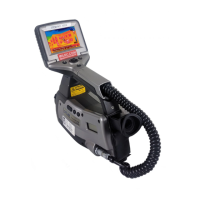
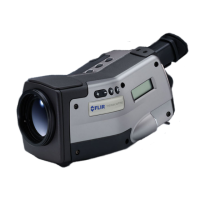
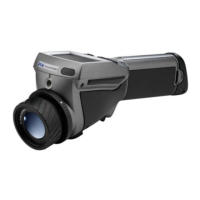
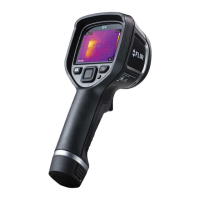
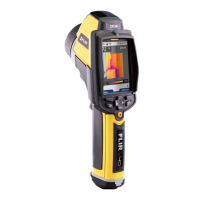
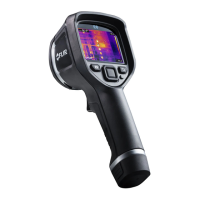
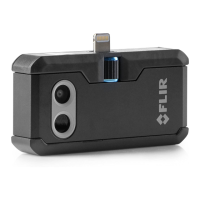
Camera overview
6
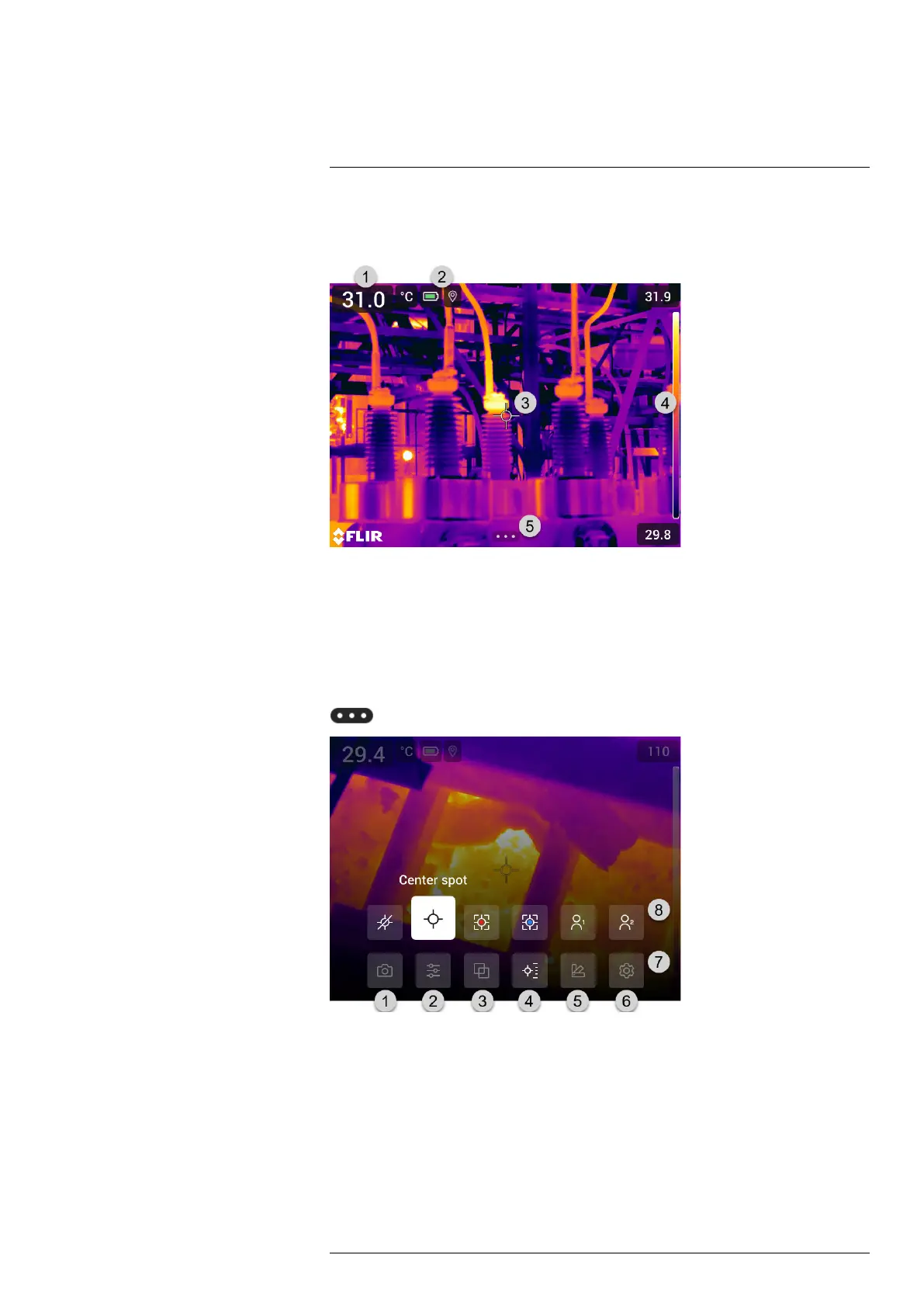
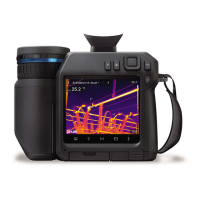
6.6 Screen elements
6.6.1 General
1. Result table.
2. Status icons.
3. Measurement tool (e.g., spotmeter).
4. Temperature scale.
5. Menu system button.
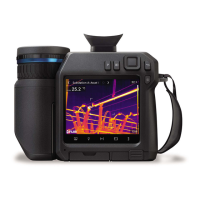
6.6.2 Menu system
To display the menu system, push the navigation pad or tap the menu system button
.
1. Recording mode button.
2. Measurement parameters button.
3. Image mode button.
4. Measurement button.
5. Color button.
6. Settings button.
7. Main menu.
8. Submenu.
#T810413; r. AF/83467/83910; en-US
15


 To Next Page