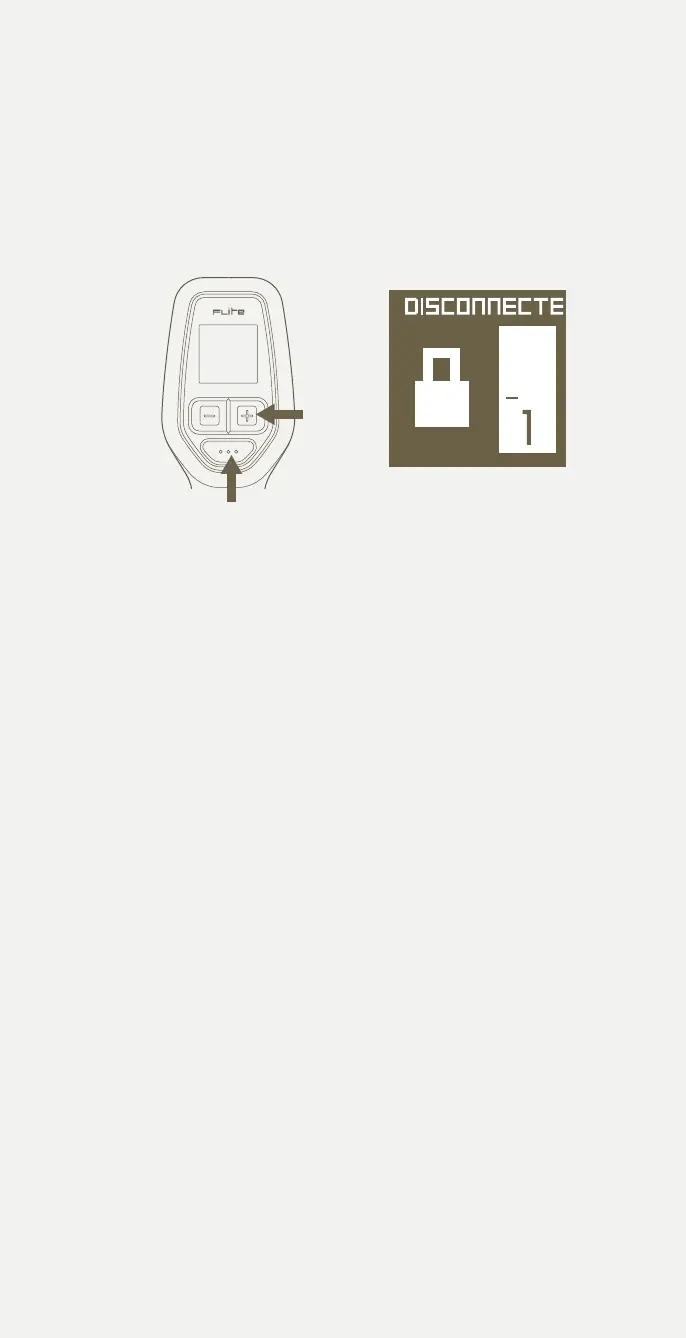
Turn on Flite Controller
1 Turn on Flite Controller by holding down the + button
AND Mode (bottom) button together for 3 seconds.
2 After a 3 second press of both buttons, the Flite logo will appear
with the software version number, and the Controller will move to the
home screen with lock icon.
1
2
IF THE LED STATUS LIGHT HAS A BLUE SOLID LIGHT
(NOT BLINKING) YOUR FLITE CONTROLLER IS CONNECTED.
IF THE FLITEBOX LIGHT IS FLASHING YOUR CONTROLLER AND
FLITESCOOTER NEED TO BE PAIRED.
Flite Controller disconnected
(requires pairing) and motor
locked (requires arming).
Gear 1.
Hold + button for 7 seconds
to put into pairing mode.
29



 To Next Page