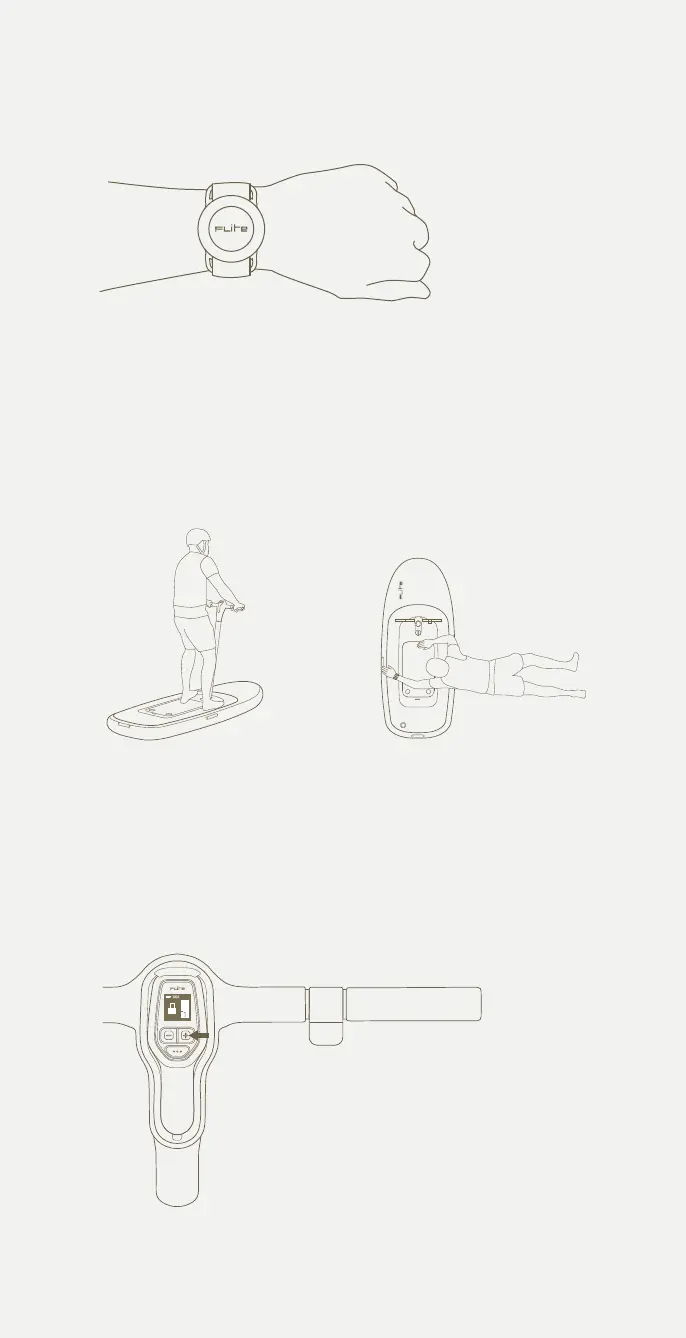
Press the face of the safety key to turn it on.
You will now see 'Safety Key Detected' appear
on Flite Controller.
Stand with feet shoulder
width apart.
You can simply step onto the
Flitescooter from a dock or climb
up from the side.
Leave at gear 1 if you are a
lighter rider or increase if you
need more power.
Riding Flitescooter for the first time
2 Set 4 points of contact with hands and feet
1 Wireless safety key
3 Check and set your gear
42



 To Next Page