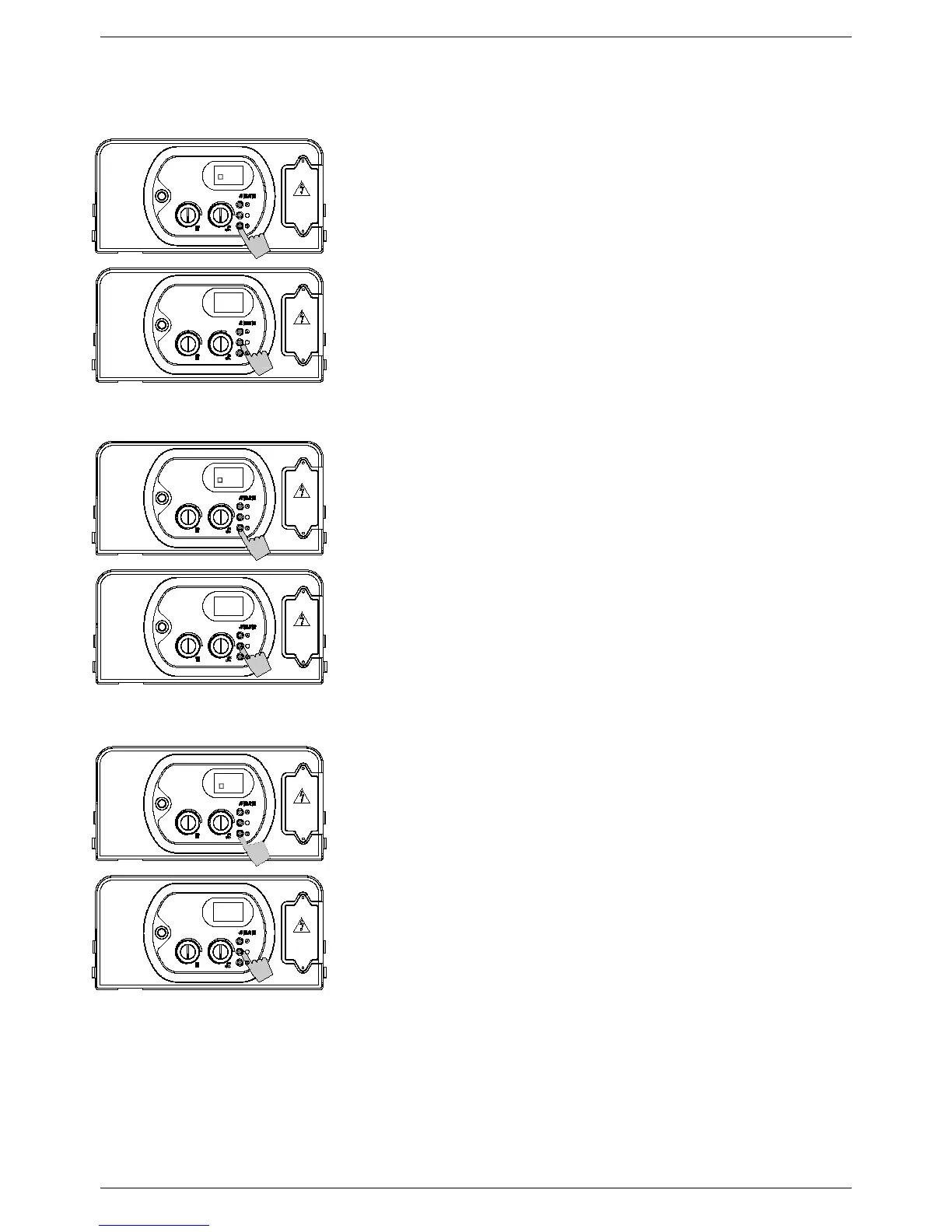
To enter the parameters menu, follow the previously described procedure (steps 1-5).
P
ARAMETER
1
–
T
YPE OF WATER HEATER
6. Use buttons ‘+’ and ‘-‘ to modify the value of the
parameter:
00 = Instantaneous water heater
01 = Storage water heater
02 = Storage water heater ‘comfort’ (+ 45 °F)
03 = D.H.W. temperature 95-160°F
7. Press and release button ‘S’ to confirm. The parameter
number (1) will appear on the display.
8. Switch off the appliance and switch it back on again to
render the new parameter operative.
P
ARAMETER 2 - GAS SUPPLY
6. Use buttons ‘+’ and ‘-‘ to modify the value of the
parameter:
00 = natural gas
01 = propane
7. Press and release button ‘S’ to confirm. The parameter
number (2) will appear on the display.
8. Switch off the appliance and switch it back on again to
render the new parameter operative.
P
ARAMETER 3 – CENTRAL HEATING TEMPERATURE
6. Use buttons ‘+’ and ‘-‘ to modify the value of the
parameter:
00 = standard (86⁰F – 167°F)
01 = reduced (77⁰F – 104°F) for under-floor heating
7. Press and release button ‘S’ to confirm. The parameter
number (3) will appear on the display.
8. Switch off the appliance and switch it back on again to
render the new parameter operative.


 To Next Page