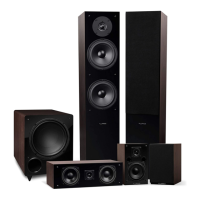
Fluance Ai61 Quick Start Guide
Product Setup
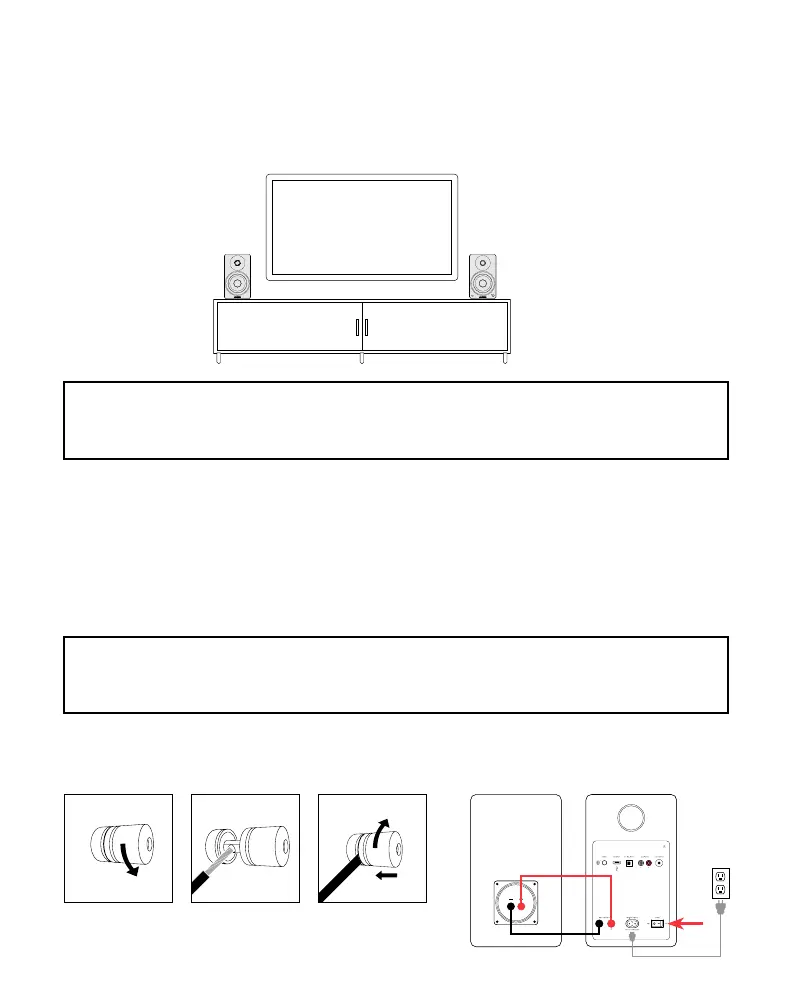
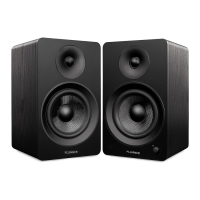
1. Position the speakers with the Active Speaker on the right and the Passive Speaker
on the left.
Passive Speaker Active Speaker
NOTE: If placing the speakers in a cabinet or on a shelf, position the front of the speak-
ers as close as possible to the front edge of the shelf for optimum audio performance.
NOTE: The included speaker wire is 8ft. If placing your speakers further than 8ft apart
it is recommended to use standard 18 gauge speaker wire to connect the speakers
over the longer distance.
2. Connect one end of the speaker wire to the binding posts on the back of the
Active Speaker and connect the other end of speaker wire to the binding posts on the back of
the Passive Speaker.
IMPORTANT: Ensure the same wire is connected to the same color binding post on
each speaker.
Loosen the
binding post
Insert speaker
wire through
hole
Tighten the
binding post
3. Connect the power cable to the back of the Active Speaker and set the power switch to the
ON position.
Passive
Speaker
Active
Speaker


 To Next Page