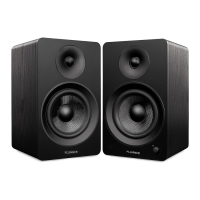
Fluance Ai61 Quick Start Guide
Bluetooth® Pairing
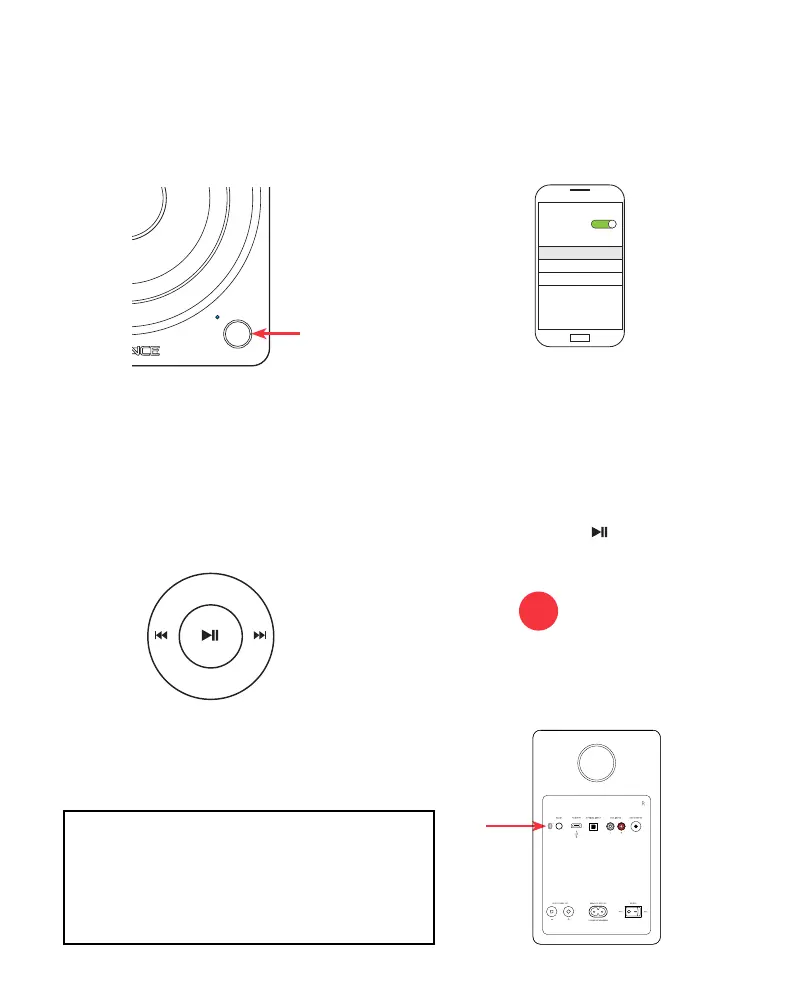
1. Press the Control Knob to select the
Bluetooth
®
input (Blue LED).
3. Use the Remote to control playback on
your source device.
2. Pair to “Fluance Ai61” on your source
device.
4. If your device cannot nd “Fluance
Ai61”, you can reset Bluetooth
®
pairing.
Note: Unit will attempt to auto-pair to
the last paired device.
Bluetooth
MY DEVICES
Settings
Fluance Ai61
• Press and hold on the Remote
for 3 seconds to reset Bluetooth
®
pairing.
• Press the Bluetooth
®
Pairing Reset
Button on the back of the unit.
Note: How you access your device’s Bluetooth
®
settings may vary from one manufacturer to
another. Maximum line of sight for Bluetooth
®
range is 33ft. Obstacles may decrease
transmission distance.
OR
Note: Adjust Volume on the source
device as well as the Ai61.


 To Next Page