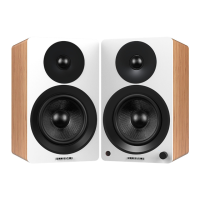
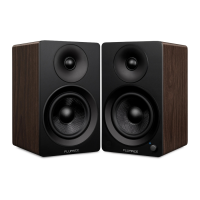
Fluance Ai61 Quick Start Guide
USB Input
1. Connect the USB cable to your source
device (Laptop, Desktop...).
2. Connect the other end of the USB
cable to the USB C port on the back
of the Active Speaker.
4. Adjust the volume on Ai61 as well as
source device. You may also need to
adjust volume in the dierent programs
on the source device.
3. Press the Control Knob to select the USB
Input (Purple LED).
USB Audio Output Settings
You may need to enable USB audio output on your source device. Here are the directions for most
Windows
®
and Apple
®
Computers.
Windows
®
: Control Panel > Sound > USB Audio
Apple
®
: System Preferences > Sound > Output > USB
It is also important to check that any sound enhancements, eects, or EQ settings are disabled on
your source device.
IMPORTANT: The USB input on the Ai61 is for USB
audio playback and not for USB charging.
*USB cable not included


 To Next Page