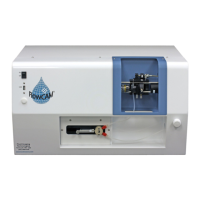
FlowCam® 8000 Series Dynamic Imaging Particle Analyzer
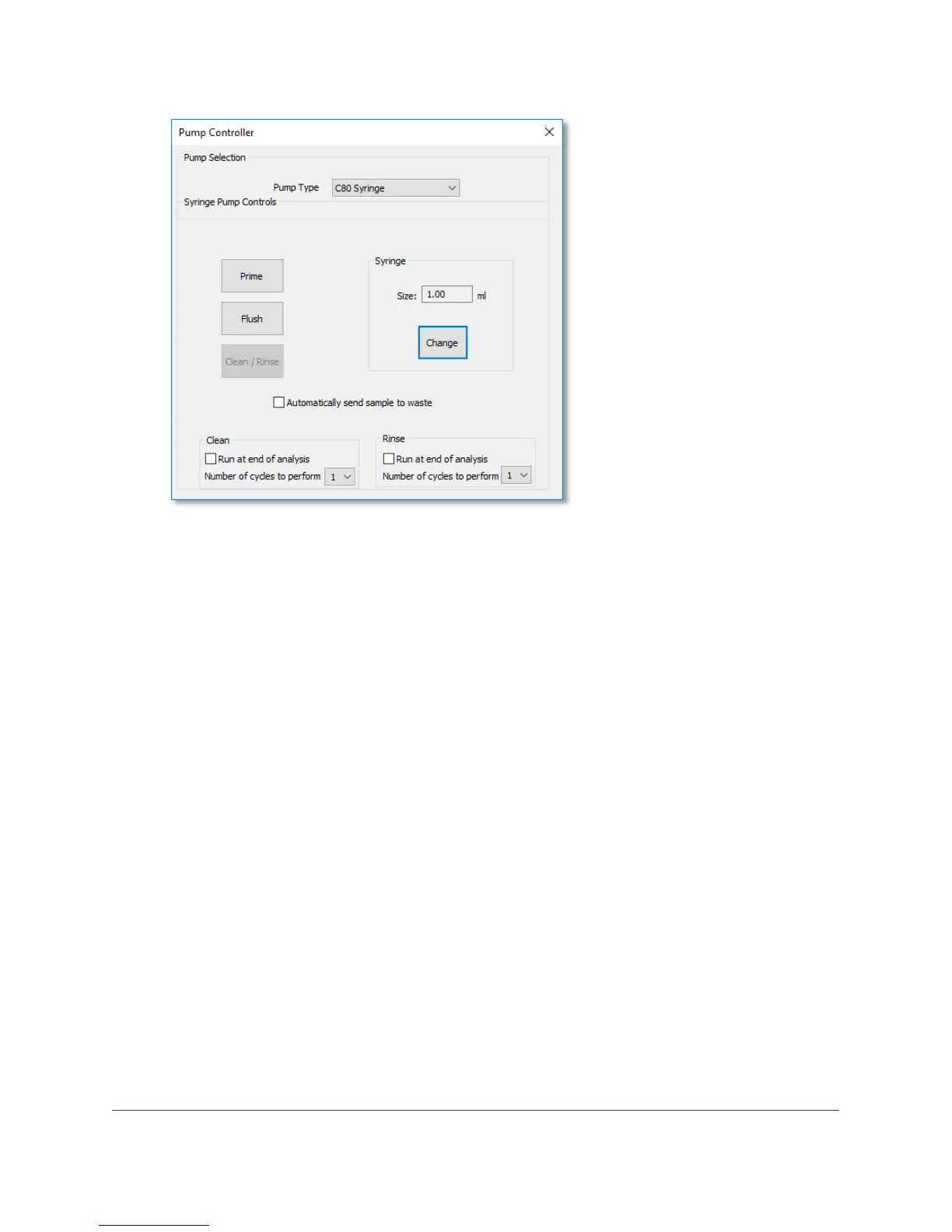
2. Select the Run at end of analysis checkbox for the Clean option.
3. Click the Number of cycles to perform drop-down list and select the desired number of clean
cycles.
Note: You cannot run the clean function without also running the rinse function.
4. Select the Run at end of analysis checkbox for the Rinse option.
5. Click the Number of cycles to perform drop-down list and select the desired number of rinse
cycles.
6. Close the Pump Controller dialog to save your settings.
Powering Down the Analyzer
1. Close the VisualSpreadsheet program.
2. Push the power switch on the top right of the analyzer cover. The computer shuts down and the
monitor turns off automatically.
Note: The FlowCam analyzer’s fluidics components continue to operate, along with the system’s
internal fans. Turning off the main power supply unit shuts down the entire system.
3. Turn off the main power supply unit that the system components are plugged into.


 To Next Page
 Loading...