Defibrillator/Transcutaneous Pacemaker Analyzer
Creating Test Templates
55
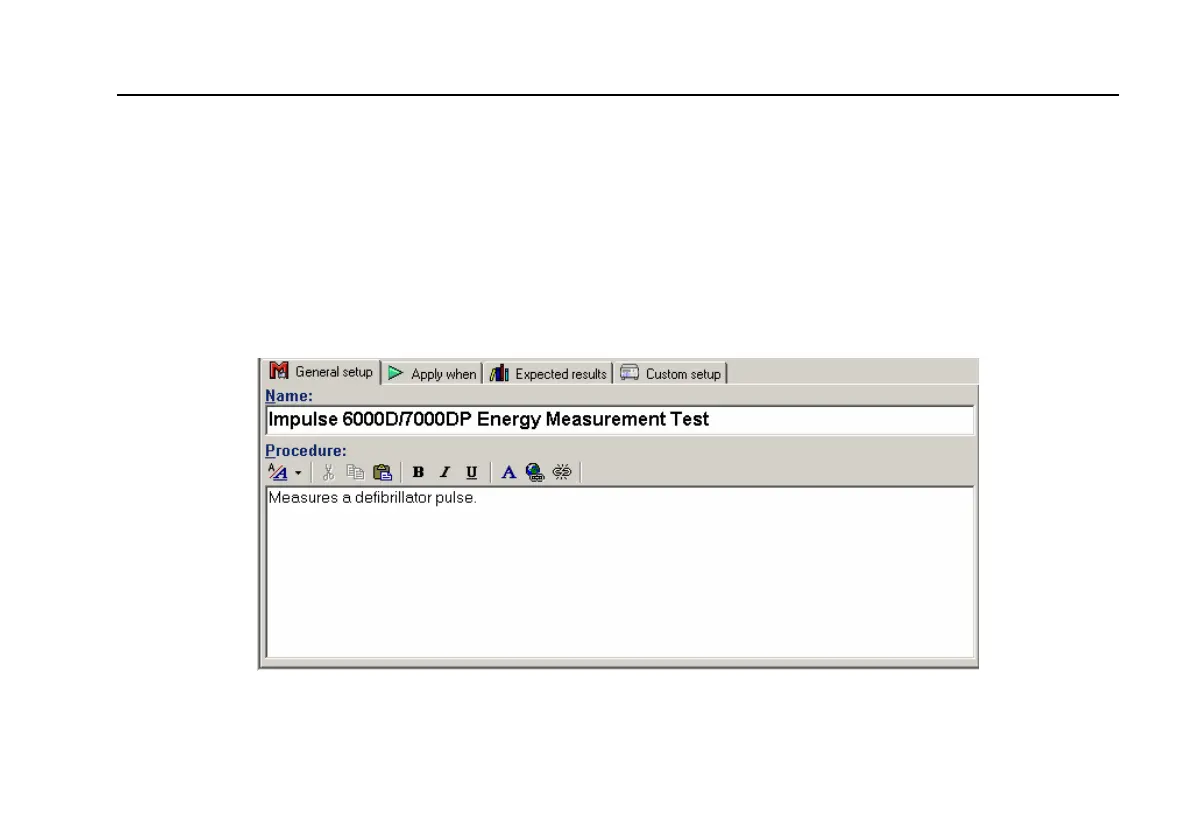
In the middle of the Test Template window are
located the following tabs to allow definition of the
properties of the highlighted test element.
• General setup
• Apply when
• Expected results
• Custom setup
Test element properties consist of multiple pages,
described below.
2. Click the General setup tab. A screen opens,
allowing entry of a name for the test. See Figure 2-
33. In the space below the name, enter the
procedures and instructions to be followed when
conducting the test.
fcz09.bmp
Figure 33. User-Definable Parts of the General Setup Tab


 To Next Page