Operator Maintenance and Calibration
Wideband Flatness Calibration Procedure 7
7-19
3. Touch Run Wb Gain Cal to begin calibration. The screen prompts the user to check
the manual for the correct connections.
4. As the wideband calibration proceeds, messages are shown on the display identifying
all processes as they are encountered. When positive gains calibration is complete, a
message is shown to refer to the manual for negative gains connections.
5. Reverse the dual-banana connector so that the center connector is connected to LO.
6. Push . The display shows progress through the procedure in the same
fashion as for artifact calibration. At the end of the procedure, the Calibrator gives
the option to save or discard the results.
7. Touch Save to store the new calibration constants.
8. The Calibrator prompts for the security passcode if it has not already been entered.
Enter the security passcode if it has not yet been entered.
Touch Discard to delete the results of the calibration. In both cases, the calibration screen
is shown after the results are saved or deleted.
Wideband Flatness Calibration Procedure
This calibration procedure and the full verification of the 5730A Calibrator should be
done every 2 years.
For flatness calibration:
1. Touch Setup Menu>Calibration. If the ambient temperature has changed from
the displayed value, update it.
2. Touch Run Wb Flatness Cal.
3. Connect the equipment as shown in Figure 7-12.
4. Touch Continue.
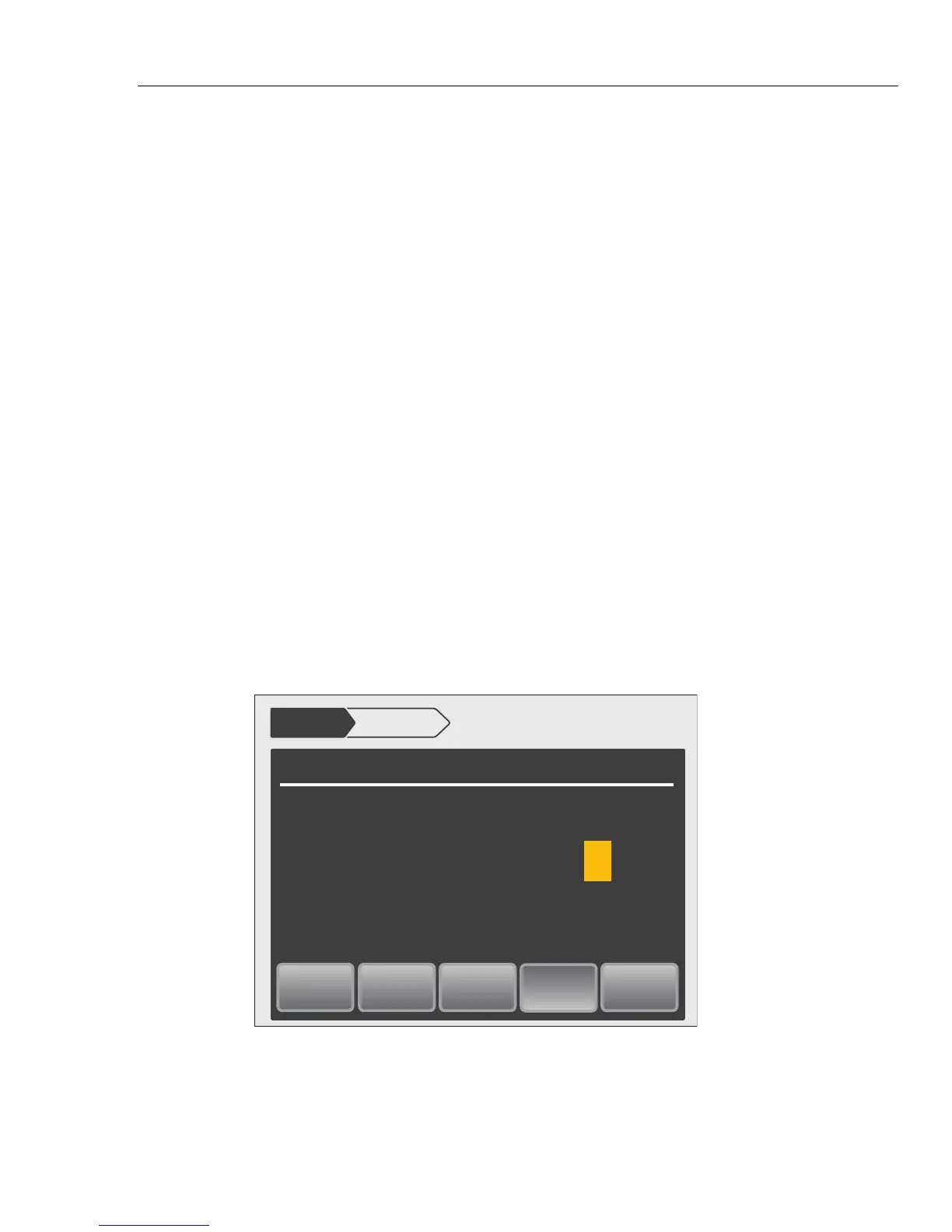
Wideband Flatness Calibration
Setup Menu Calibration
External
Sense
OFF
Wideband
ON
Continue
V
Reference
3.00000 V
Error
= +0.00ppm
Operate
Press OPERATE to output the reference then Continue to proceed.
3.00000
kHz
1.0000
hhp221.eps



 To Next Page