Front-Panel Operation
Introduction 4
4-3
Introduction
This chapter provides instructions to operate the 5730A Calibrator from the front panel
and how to set up the Calibrator. Remote interface setups are explained in Chapter 5.
Descriptions and instructions to program offsets, scale factors, and linearity checks are
also provided.
Before the procedures in this chapter are started, become familiar with the front-panel
controls, displays, and terminals that are identified and described in Chapter 3. Once
familiar with the front panel, be sure to warm up the Calibrator in accordance with the
instructions in the “Warmup” section. Also run the dc zeros process as explained in the
“Run DC Zeros” section of Chapter 7. For information on remote commands used to
operate the Calibrator, refer to Chapter 6.
Warning
The Product is capable of supplying lethal voltages. Do not
make connections to the output terminals when any voltage is
present. Placing the Product in standby may not be enough to
prevent shock hazard, since the key could be pushed
accidentally. Push and verify that standby is illuminated
before making connections to the output terminals.
Turn on the Calibrator
Warning
To avoid electric shock, make sure the Product is safely
grounded as described in Chapter 2.
Make sure the rear power switch is on and then push to turn on the 5730A
Calibrator. When the Calibrator is turned on, it takes approximately 50 seconds to
complete its power-up process.
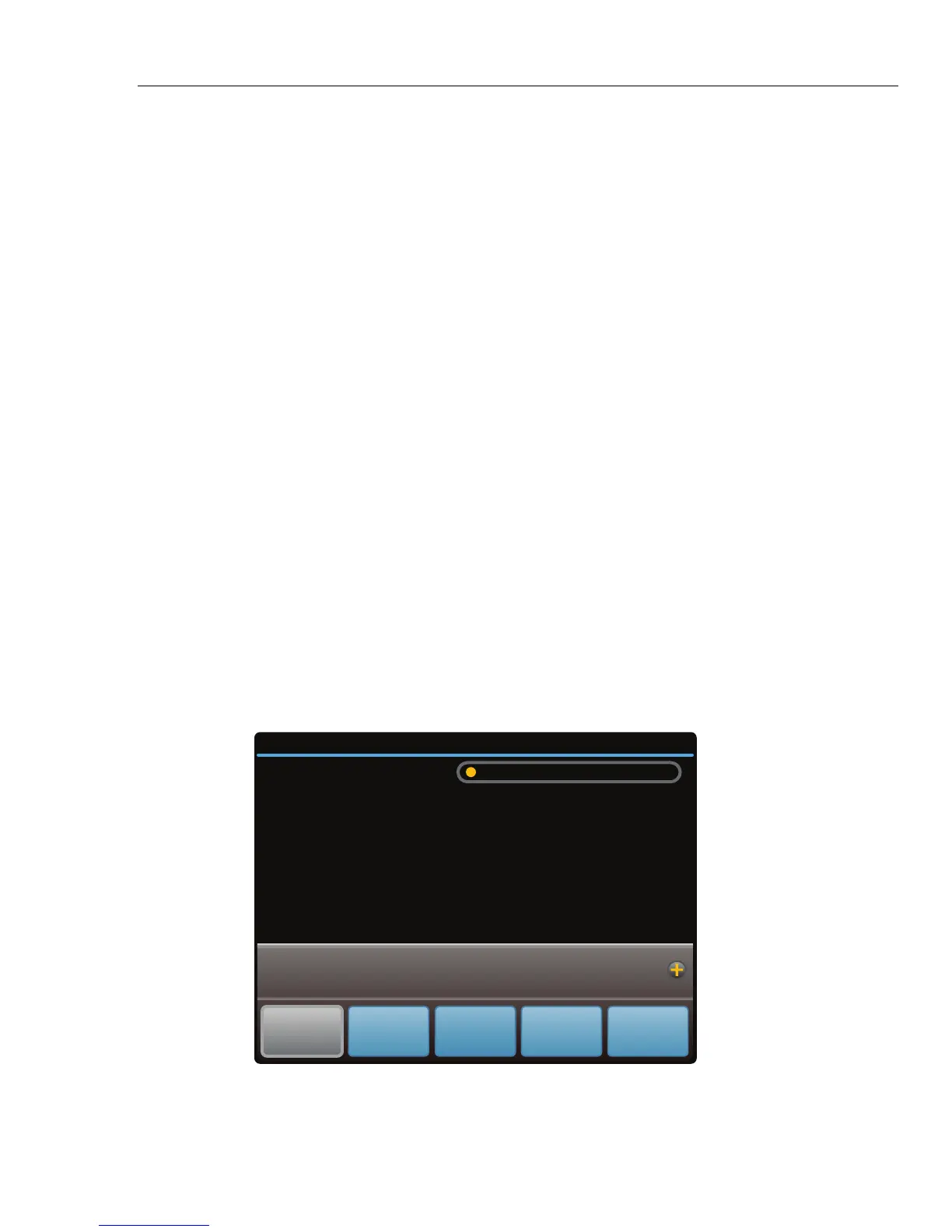
After the power-up process, the display shows the normal operation screen:
+/- 0.00050mV (1 year) 213 days since calibration
12/21/12 10:52am
External
Sense
OFF
External
Guard
OFF
Wideband
OFF
Setup
Menu
Standby
mV
0.00000
Auto Range 220 mV
hhp102.eps
The Calibrator is in standby mode with the internal sensing and internal guard
configured. The Calibrator can now accept entries from the front panel.



 To Next Page