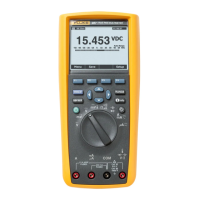
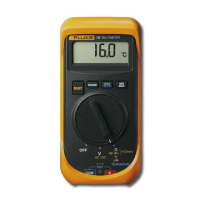
Input Terminals and Operating Modes
(2)
Volt, Ohms, Diode Test Input Terminal:
Input terminal used in conjunction with the volts, mV (ac or dc), ohms,
or diode test position of the function selector rotary switch.
0
COM
Common Terminal:
Common or return terminal used for all measurements.
0mA
pA
Milliamp/Microamp Input Terminal:
Input terminal used for current measurements up to 320 mA (ac or dc)
with the function selector rotary switch in the mA or uA position.
0
A
Amperes Input Terminal:
Input terminal used for current measurements up to 10A continuous (20A
for 30 seconds) with the function selector rotary switch in the mA/A
position (ac or dc)..
0
RANGE®
Manual Range Mode Pushbutton:
Press once to enter manual range mode, press again to increment range,
press and hold for 2 seconds to return to autorange. Meter returns to
autorange if the function selector is switched to any other position.
There is no autorange annunciator; absence of the manual range
annunciator indicates the meter is in autorange. If RANGE is depressed
and held for the duration of the selftest, while the function switch is
moved from OFF to any ON position, manual ranging will be selected in
all functions.
0
RELA
Relative Mode Pushbutton:
Press momentarily to enter the Relative mode and store the displayed
reading. The display will read zero. Press again to update the stored
digital reading. Press and hold for 2 seconds to exit the Relative mode.
The Relative mode stores a digital reading and displays the change
(difference) between the stored reading and any following reading. For
example, if the stored reading is 15.00V and the present reading is
14.10V, the display will indicate -0.90V. The analog bar graph continues
to display the actual reading (14.10V). If the difference exceeds
3999
counts (without overloading the input), OF (overflow) is displayed. The
Relative mode selects manual ranging; changing ranges automatically
exits the Relative mode.
(::) MIN/MAX
Mode Pushbutton:
Press momentarily to enter MIN/MAX mode, press again to toggle between
MIN and MAX indications. Press and hold for 2 seconds to exit MIN/MAX
mode. The meter stores the minimum and maximum digital readings, and
will display either reading as selected by the operator. Press the
HOLD/RESET button to reset the MIN/MAX readings to the present input.


 To Next Page