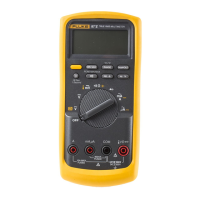
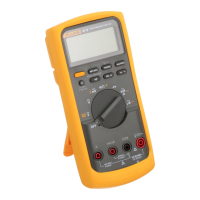
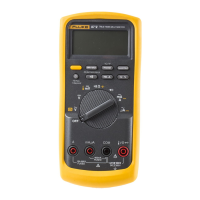
87 V/AN
Service Manual
26
Table 14. Display Features (cont.)
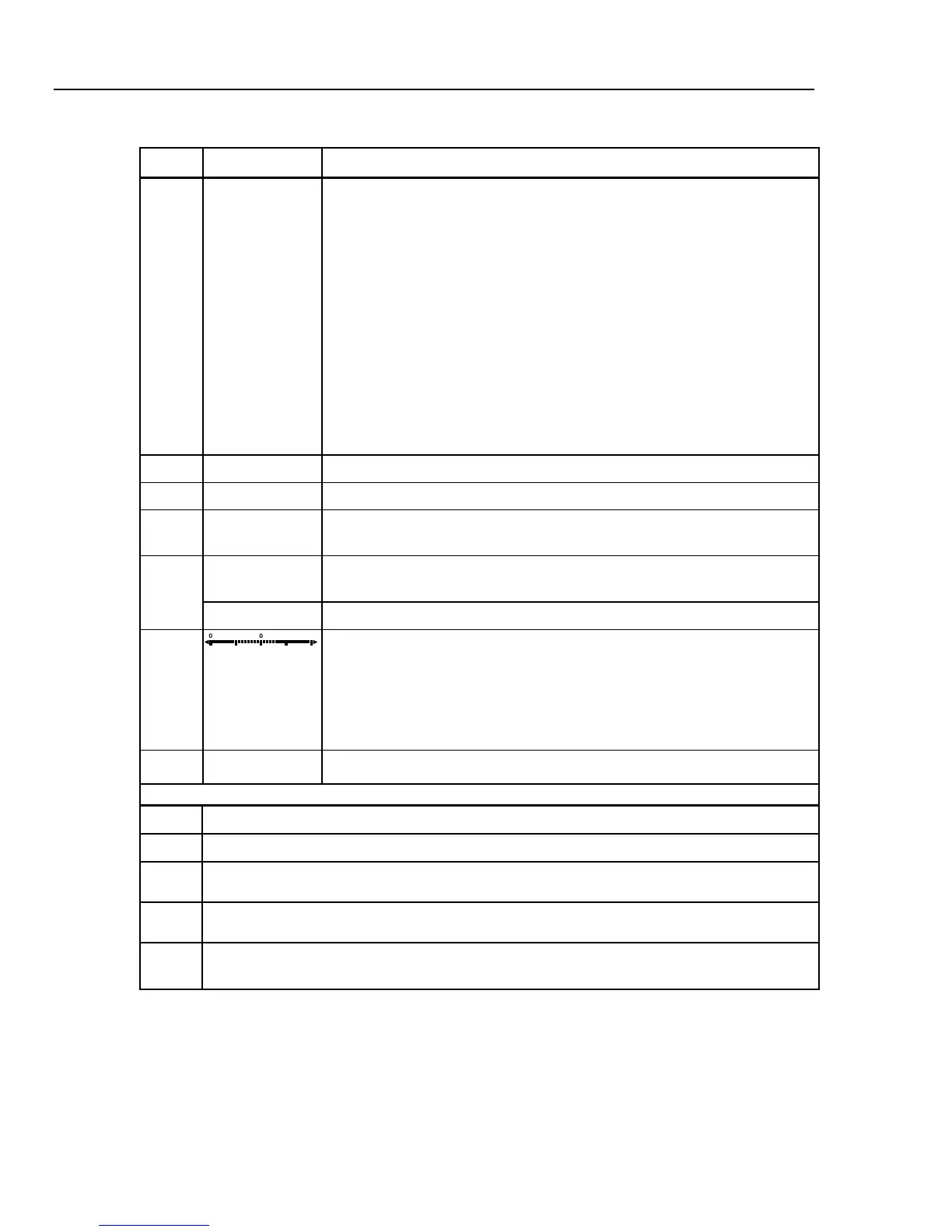
Number Feature Indication
L
b
The battery is low. XWWarning: To avoid false readings, which could lead
to possible electric shock or personal injury, replace the battery as soon as
the battery indicator appears.
M
A, µA, mA
Amperes (amps), Microamp, Milliamp
V, mV
Volts, Millivolts
µF, nF
Microfarad, Nanofarad
nS
Nanosiemens
%
Percent. Used for duty cycle measurements.
e, Me, ke
Ohm, Megohm, Kilohm
Hz, kHz
Hertz, Kilohertz
AC DC
Alternating current, direct current
N
°C, °F
Degrees Celsius, Degrees Fahrenheit
O
610000 mV
Displays selected range
P
HiRes
The Meter is in high resolution
(Hi Res) mode. HiRes=19,999
Auto
The Meter is in autorange mode and automatically selects the range with the
best resolution.
Q
Manual
The Meter is in manual range mode.
R
The number of segments is relative to the full-scale value of the selected
range. In normal operation 0 (zero) is on the left. The polarity indicator at the
left of the graph indicates the polarity of the input. The graph does not
operate with the capacitance, frequency counter functions, temperature, or
peak min max. For more information, see “Bar Graph”. The bar graph also
has a zoom function, as described under "Zoom Mode".
--
0L
Overload condition is detected.
Error Messages
bAtt
Replace the battery immediately.
diSC
In the capacitance function, too much electrical charge is present on the capacitor being tested.
EEPr
Err
Invalid EEPROM data. Have Meter serviced.
CAL
Err
Invalid calibration data. Calibrate Meter.
LEAd
WTest lead alert. Displayed when the test leads are in the A or mA/µA
terminal and the selected
rotary switch position does not correspond to the terminal being used.


 To Next Page