9100S Dry-Well Calibrator
Side View
14
RS-232 - The RS-232 serial port provides a means for connecting the instrument to a
computer or a printer using the included serial cable.
WARNING: Always leave enough clearance in front of the calibrator to allow
for safe and easy installation and removal of probes.
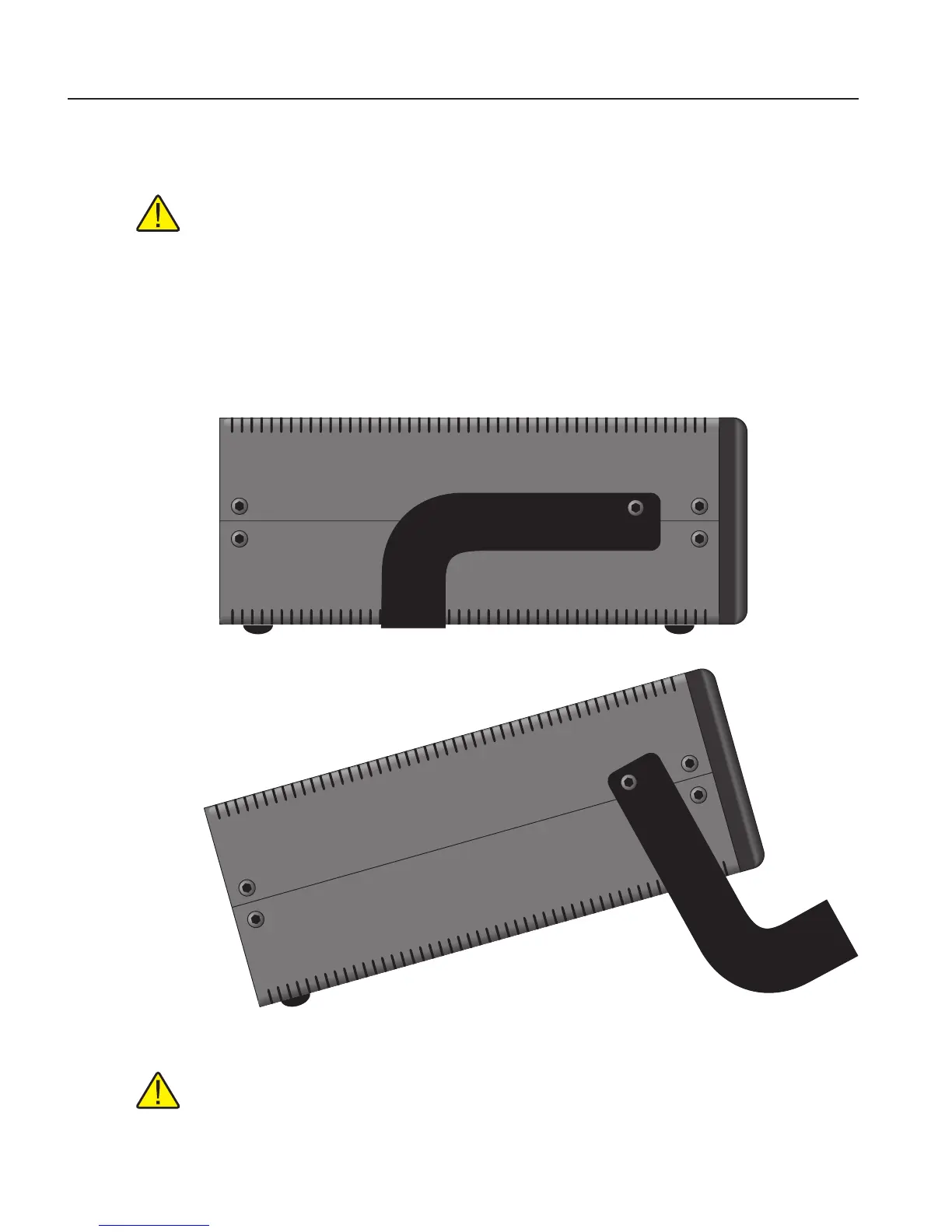
4.2 Side View
Prop Stand - The prop stand (Figure 2 on this page) is located on the bottom side of
the instrument and lays at against the bottom of the instrument when not in use. The
prop stand can be swung down into a standing position when using the instrument at
an inclined position.
Figure 2 Side view of the 9100S showing the prop stand
CAUTION: The prop stand was not designed to be used as a handle for carrying
the instrument. To avoid damage,do not force the prop stand beyond the inclined
position of the instrument.
1.888.475.5235info@Fluke-Direct.com
Fluke-Direct.com



 To Next Page