975
Users Manual
8
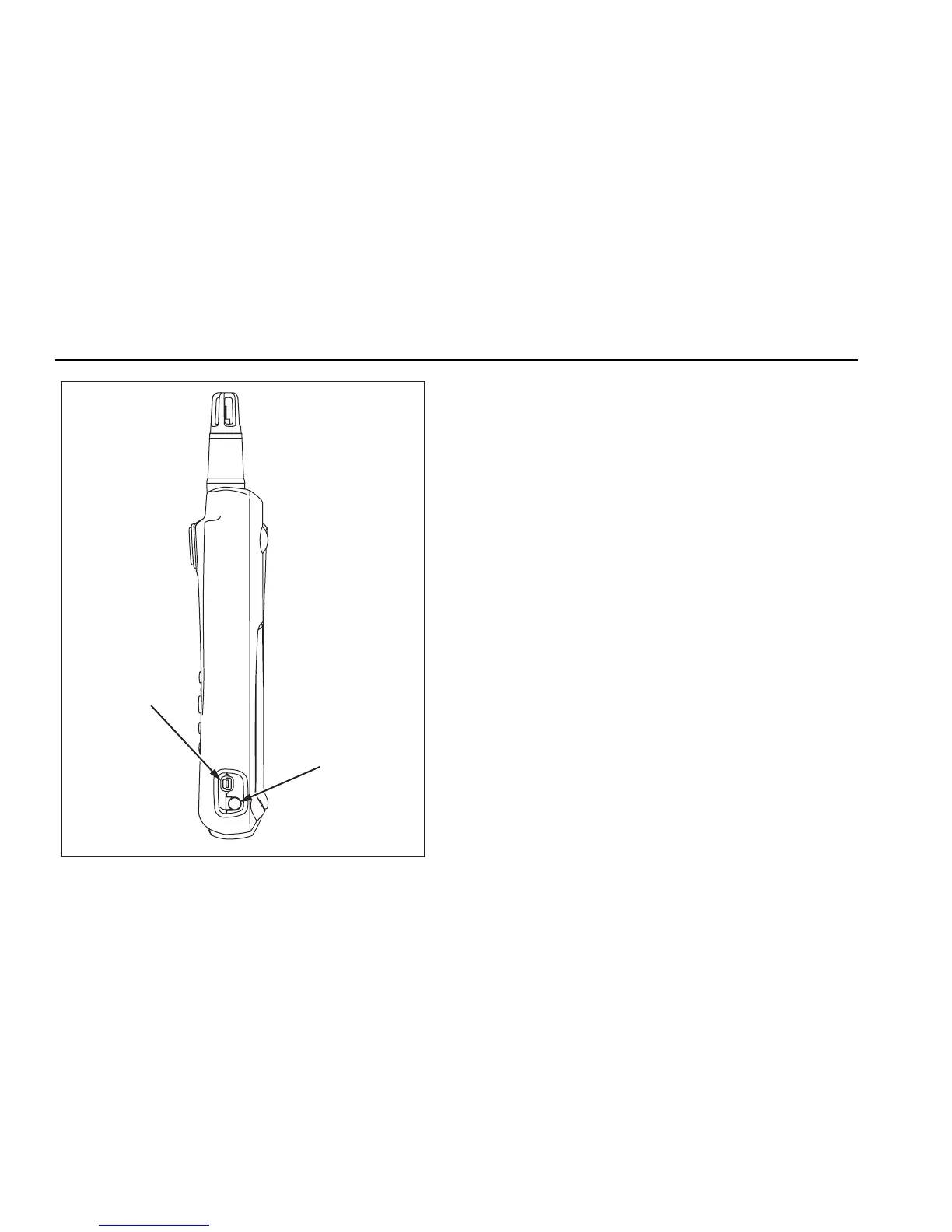
AC Adapter
Input
USB Port
eba02f.eps
Figure 3. AC Adapter Input and USB Port
Startup and Self Test
To turn the Meter on, press and hold P for a few
seconds and wait for the flashing red LED on the left side
of the display. Press
P for 2 seconds to turn the Meter
OFF. Once powered up, the following information is
displayed:
• Battery charge indicators
• Model number of the Meter (975)
• Firmware version number
• Current date
• Last calibration date
• Calibration due date
• Absolute barometric pressure
• Self-test countdown
At power up, the Meter performs a 35-second self-
diagnostic test for each of its functions. When it passes
the self-test, the Meter is ready for use. Refer to Table 4
for a list of self-diagnostic test failures.
Note
If portions of the self-test fail, some functions of
the Meter may still be used but this is not
recommended. Have the Meter serviced
immediately. Refer to “Contacting Fluke” for
service details.



 To Next Page