CERTIFIBER ENGLISH - 22
choose Two Way to measure
a duplex fiber link in both
directions (bidirectional test).
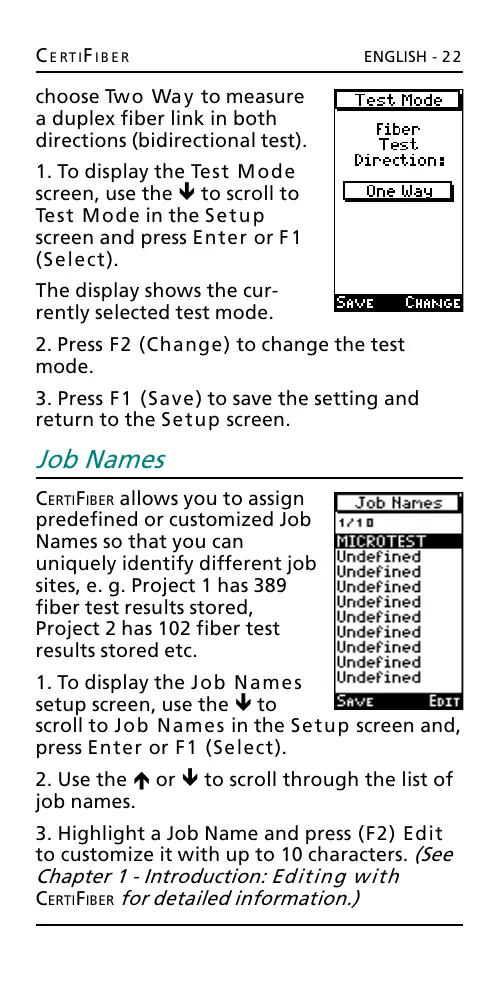
1. To display the Test Mode
screen, use the ê to scroll to
Test Mode in the Setup
screen and press Enter or F1
(Select).
The display shows the cur-
rently selected test mode.
2. Press F2 (Change) to change the test
mode.
3. Press F1 (Save) to save the setting and
return to the Setup screen.
Job Names
CERTIFIBER allows you to assign
predefined or customized Job
Names so that you can
uniquely identify different job
sites, e. g. Project 1 has 389
fiber test results stored,
Project 2 has 102 fiber test
results stored etc.
1. To display the Job Names
setup screen, use the ê to
scroll to Job Names in the Setup screen and,
press Enter or F1 (Select).
2. Use the é or ê to scroll through the list of
job names.
3. Highlight a Job Name and press (F2) Edit
to customize it with up to 10 characters. (See
Chapter 1 - Introduction: Editing with
CERTIFIBER for detailed information.)
All manuals and user guides at all-guides.com










 To Next Page