CERTIFIBER ENGLISH - 23
4. Highlight the Job Name you want to use
and press Enter or F1 (Save) to save the list
of Job Names.
If you choose not to use Job Names the first
item in the Job Name list will automatically
default to Not Used when an Autotest is
saved.
Meters/Feet
CERTIFIBER allows you to change
the measurement units from
meters to feet.
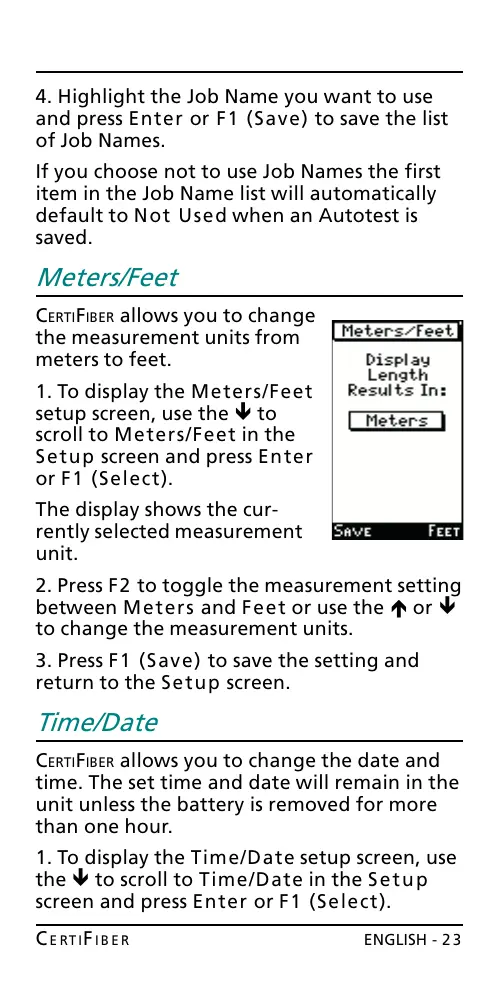
1. To display the Meters/Feet
setup screen, use the ê to
scroll to Meters/Feet in the
Setup screen and press Enter
or F1 (Select).
The display shows the cur-
rently selected measurement
unit.
2. Press F2 to toggle the measurement setting
between Meters and Feet or use the é or ê
to change the measurement units.
3. Press F1 (Save) to save the setting and
return to the Setup screen.
Time/Date
CERTIFIBER allows you to change the date and
time. The set time and date will remain in the
unit unless the battery is removed for more
than one hour.
1. To display the Time/Date setup screen, use
the ê to scroll to Time/Date in the Setup
screen and press Enter or F1 (Select).
All manuals and user guides at all-guides.com










 To Next Page