CERTIFIBER ENGLISH - 24
2. Use the ç or è arrow key to scroll
through the segments in the screen.
3. Select the portion of the time or date field
to change.
4. Use the é or ê to change the values for
the time and date.
Note
All fields are editable in increments of 1. Hold
down the é or ê to advance faster.
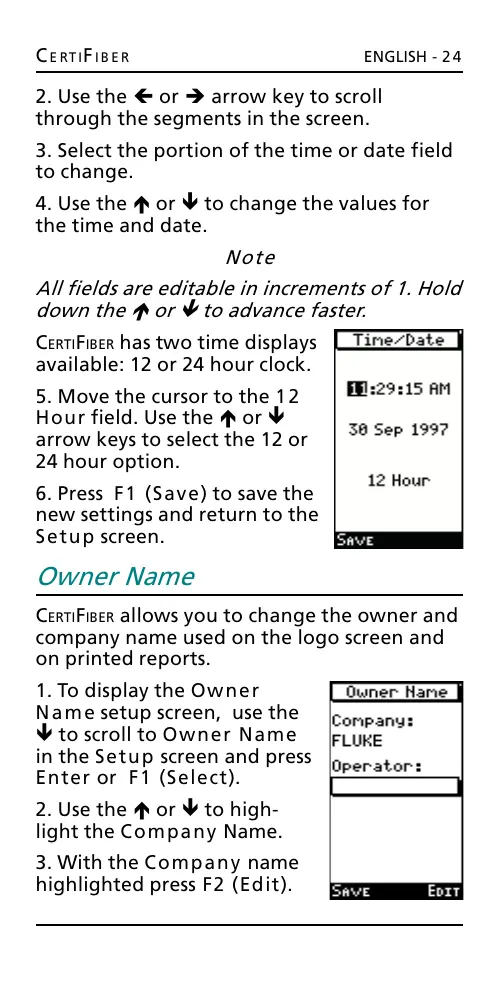
CERTIFIBER has two time displays
available: 12 or 24 hour clock.
5. Move the cursor to the 12
Hour field. Use the é or ê
arrow keys to select the 12 or
24 hour option.
6. Press F1 (Save) to save the
new settings and return to the
Setup screen.
Owner Name
CERTIFIBER allows you to change the owner and
company name used on the logo screen and
on printed reports.
1. To display the Owner
Name setup screen, use the
ê to scroll to Owner Name
in the Setup screen and press
Enter or F1 (Select).
2. Use the é or ê to high-
light the Company Name.
3. With the Company name
highlighted press F2 (Edit).
All manuals and user guides at all-guides.com










 To Next Page