CERTIFIBER ENGLISH - 45
Chapter 4 - Manual Mea-
surements
Power Loss
The proper operation of a fiber network can
be affected by the operation of its active
components, such as transmitters and receiv-
ers. Excessive loss could actually be a result of
a transmitter launching light at an unaccept-
able power level. Transmitters can also deliver
too much light into the fiber optic cable,
causing the receiver to overload.
To quickly verify and correct cabling and
equipment problems, use CERTIFIBERs Power
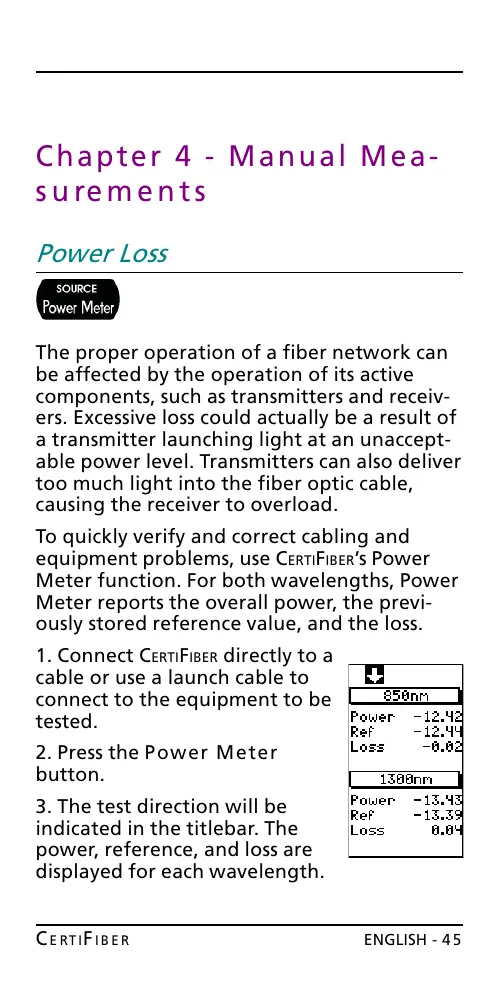
Meter function. For both wavelengths, Power
Meter reports the overall power, the previ-
ously stored reference value, and the loss.
1. Connect CERTIFIBER directly to a
cable or use a launch cable to
connect to the equipment to be
tested.
2. Press the Power Meter
button.
3. The test direction will be
indicated in the titlebar. The
power, reference, and loss are
displayed for each wavelength.
All manuals and user guides at all-guides.com










 To Next Page