CERTIFIBER ENGLISH - 46
Note
Manual measurements cannot be stored.
4. Press Escape to exit the Power Meter
screen.
Loopback
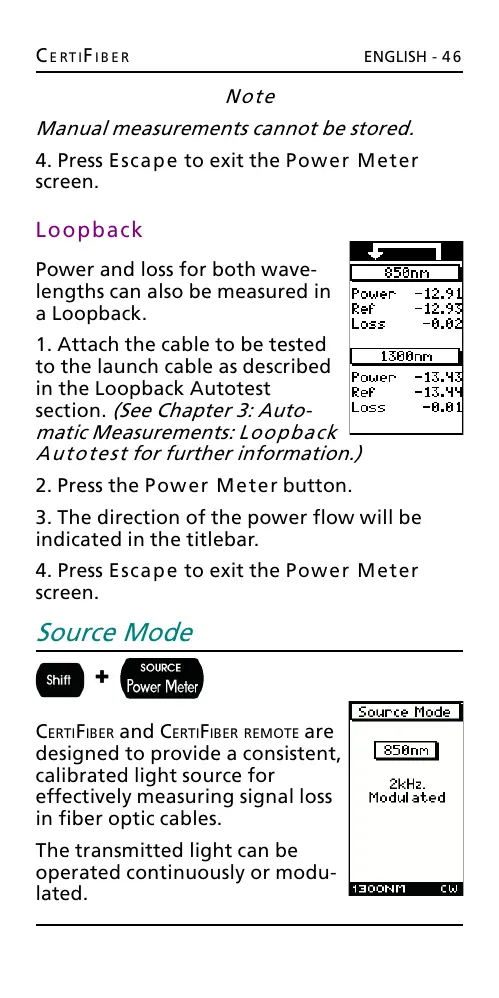
Power and loss for both wave-
lengths can also be measured in
a Loopback.
1. Attach the cable to be tested
to the launch cable as described
in the Loopback Autotest
section. (See Chapter 3: Auto-
matic Measurements: Loopback
Autotest for further information.)
2. Press the Power Meter button.
3. The direction of the power flow will be
indicated in the titlebar.
4. Press Escape to exit the Power Meter
screen.
Source Mode
+
CERTIFIBER and CERTIFIBER REMOTE are
designed to provide a consistent,
calibrated light source for
effectively measuring signal loss
in fiber optic cables.
The transmitted light can be
operated continuously or modu-
lated.
All manuals and user guides at all-guides.com










 To Next Page