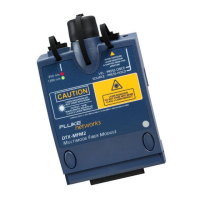
DTX-MFM2/GFM2/SFM2 Fiber Modules
Users Manual
48
Monitoring Optical Power
1
Clean the tester’s input port and the test reference cord
and source connectors.
2
Use the test reference cord to connect the source to the
tester’s input port, as shown in Figure 22. Turn on the
source.
3
Turn the rotary switch to MONITOR. If the media type is
not set to Fiber Loss, press J Change Media to
change it.
4
Select Power Meter. You do not need to select a fiber
type or test limit.
5
Select the correct wavelength; then press P.
To change the wavelength after starting the test, press
L Change λ.


 To Next Page