Fast Auto Rescale (Ti10, Ti25, TiR, TiR1)
When in Manual Range and NOT in a menu mode, press F3 for ½ second to
automatically rescale the level and span range for objects within the Imager’s
thermal field of view.
It powers up in the same Range mode, Auto or Manual, as when it powered down.
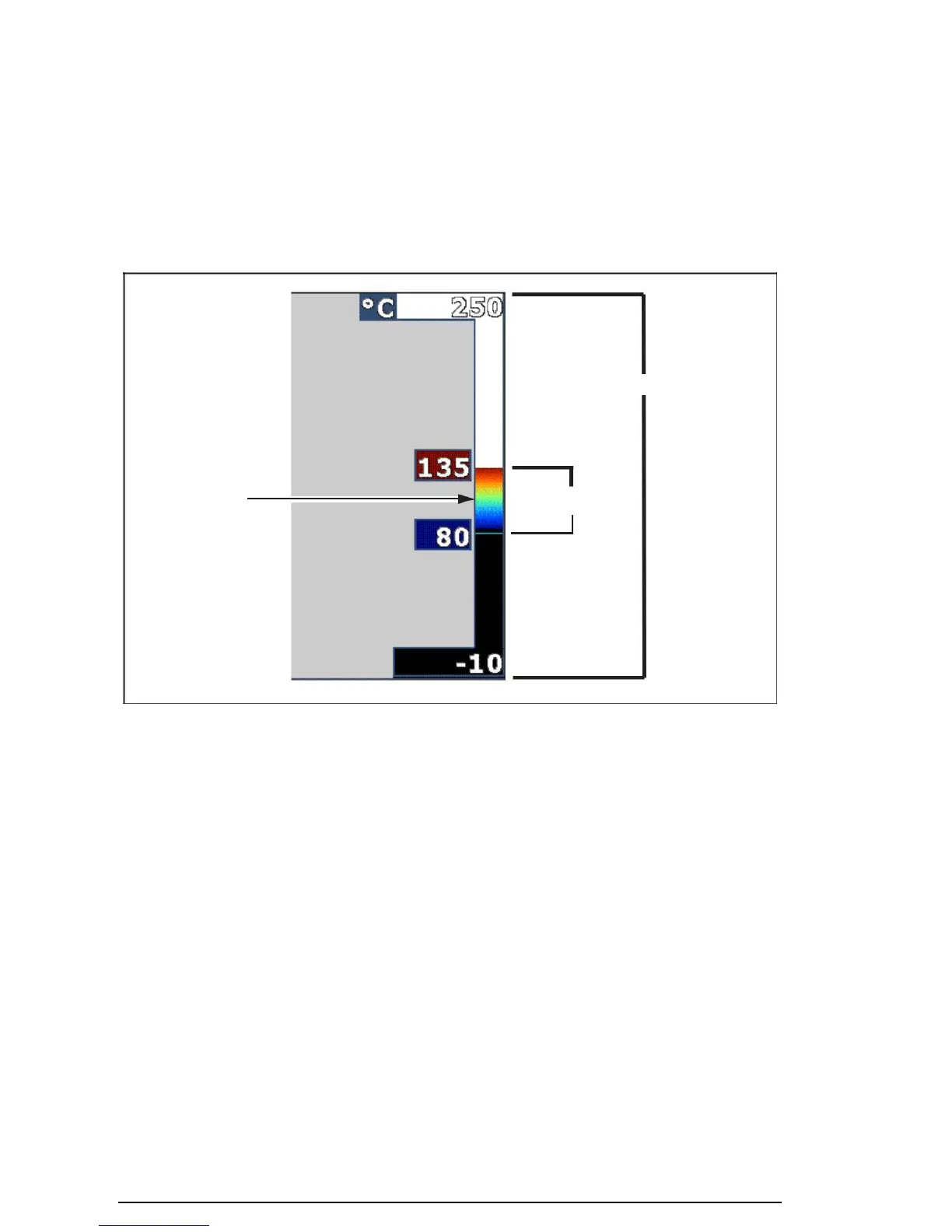
Total Imager Range
exj02.eps
Figure 1. Range and Span Settings
Setting the Level (Manual)
When put into manual ranging, the level setting adjusts the thermal span within the
total temperature range of the Imager. See Figure 1. To set the level:
1. After entering the manual range mode (See the “Setting the Range”
section above), press the softkey labeled Level.
2. Press the softkey labeled Up to move the temperature span to higher
temperatures or Down to move the span to lower temperatures.
3. Press the softkey labeled Done to set the Imager’s range level.
The scale along the right side of the display indicates the range.
Thermal Imagers
Switching Between PIP and Full IR



 To Next Page