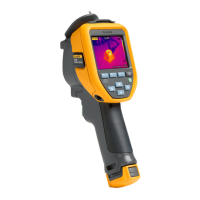
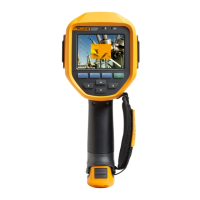
Thermal Imaging Scanner
Changing the Temperature Units
11
3. Press the softkey labeled All Images.
Changing the Temperature Units
The Imager will display temperature in Fahrenheit or Celsius. To change the
temperature units:
1. Press until Units is displayed over .
2. Press the softkey labeled Units.
3. Press for Celsius or for Fahrenheit.
4. Press the softkey labeled Back/Done to set the language.
Making Accurate Temperature Measurements
All objects radiate infrared energy. The amount of energy radiated is based on
two primary factors: the surface temperature of the object and the emissivity of
the object's surface. The Imager detects the infrared energy from an object and
uses this information to estimate the temperature of the object. Most of the
objects measured such as painted metal, wood, water, skin, and cloth are very
efficient at radiating energy and it is easy to get very accurate measurements.
For surfaces that are efficient at radiating energy (high emissivity), the
emissivity factor is estimated to be 95 % (or 0.95). This estimate works for
most purposes. This simplification does not work however, on shiny surfaces
or unpainted metals. These materials are not efficient at radiating energy and
are classified as having low emissivity. To accurately measure materials with a
low emissivity, an emissivity correction is necessary. The easiest correction
method is to set the Imager to the proper emissivity value so the Imager
automatically calculates the correct surface temperature. If the Imager uses a
fixed emissivity value (meaning that it is set to one value and the user cannot
adjust it), then the Imager’s measurement must be multiplied by a value found
in a look up table to get a more accurate estimate of the actual temperature.
The TiS has emissivity that is permanently fixed at 0.95, which works well for
most surfaces but can provide very inaccurate reading if used directly on a
shiny metal surface.
A significant amount of information is available on emissivity. Further study
of this topic is recommended to get the most accurate temperature
measurements using the Imager.



 To Next Page