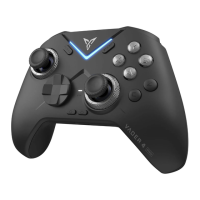
#MVFUPPUI
#MVFUPPUI
"WBJMBCMF%FWJDFT
'FJ;IJ"QFY
Setting Bluetooth
4.PIay Games on Android Cellphone and Tablet
1. Scan QR code to download and install
Scan QR code to download and install
Flydigi Controller Assistant
2. Connect Controller
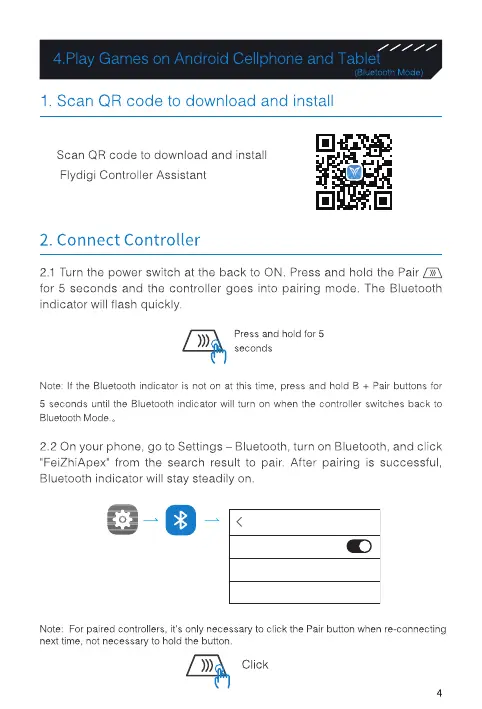
2.1 Turn the power switch at the back to ON, Press and hold the Pair
for 5 seconds and the controller goes into pairing mode. The Bluetooth
indicator will flash quickly.
Press and hold for 5
seconds
Note: If the Bluetooth indicator is not on at this time, press and hold B + Pair buttons for
S seconds until the Bluetooth indicator will turn on when the controller switches back to
Bluetooth Mode. ,
2.2 On your phone, go to Settings - Bluetooth, turn on Bluetooth, and click
'FeiZhiApex• from the search result to pair. After pairing is successful,
Bluetooth indicator will stay steadily on.
< Bluetooth
Bluetooth
Available Devices
FelZhIApex
Note: For paired controllers, it's only necessary to click the pair button when re-connecting
next time, not necessary to hold the button,
Click
4


 To Next Page