6. Play PC Games on PC Mode)
Some of PC games like Call of Duty, FIFA, Dynasty Warriors, The Witcher, Tomb Raider, etc.
support the controller without a driver, Additional games can be platforms
such as Steam (Genuine paid versions).
@Plugthe IJS8wirelessreceiverintothe USBport of PC
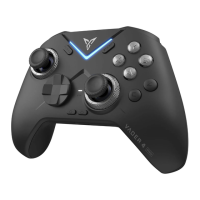
@ Turn the power switch on the back to•ON", press and hold X + pair buttons in turn
for over 5 seconds. The controller switches to Xinput Mode (Mode indicator stays
steadily on). The controller is now connected with the receiver.
@ For paired controllers, it's only necessary to click the pair button when re-
connecting next time.
Note; Whatit the Mode indicator keeps slowlyflashing affer snitching toXinput Modeand cannot be reconnected?
Power off and on the controller. press and hold tmeFair button: Xinput Mode indicator will flash quickly. Plug
in and unplug the LISBwireless receiver and keep distance between controller and receiver within 20crr.
Once successfully paired. the mode indicator will slowly flash twice betwe it stays on,
7. Special Function
1.Customizable Color Light
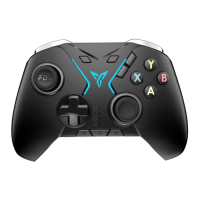
(j) Turn the power switch to "ON', the Customizable Color Light will turn on.
@Turnthe powerswitchto EnergySavingMode.theCustomizableColor
Light will turn off.
@ Lighting effects, brightness and color can be configured according to
individual needs.
To configure more lighting effects and customized Flymapping functions, please configure
on the phone. ForAndroid users, please configure using Flydigi Controller Assistant
8


 To Next Page