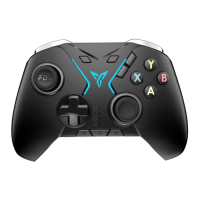
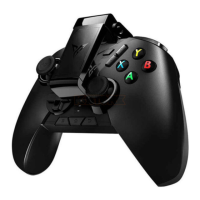
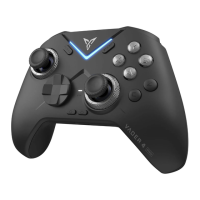
Flydigi Space Station For More Customize Setting
Visit Our official website www.flydigi.com download "Flydigi Space
Station", you can customize buttons, macros, body feeling, trigger
and other functions.
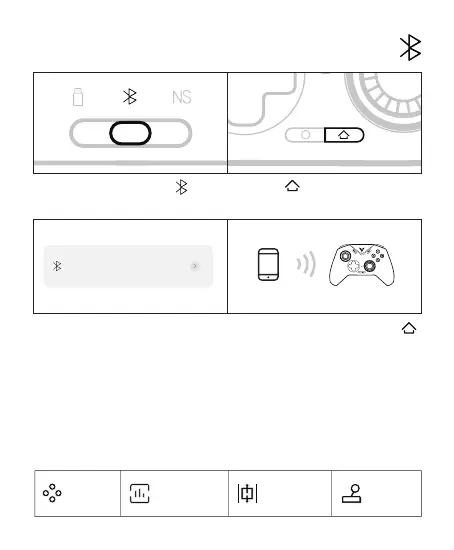
Connect an Android/iOS device
1 Shift the back mode gear to 2 Press the button once to wake up
the controller
3 Turn on the device's Bluetooth,con-
nect to the Xbox Wireless Controller,
and the controller indicator light keep
in whitelight is solid white
4 The next time you use it, press the
button once and the controller will
automatically connect
Xbox Wireless Controller
已连接
home page Macro definition
Somatosensory
mapping
Joystick
adjustment



 To Next Page