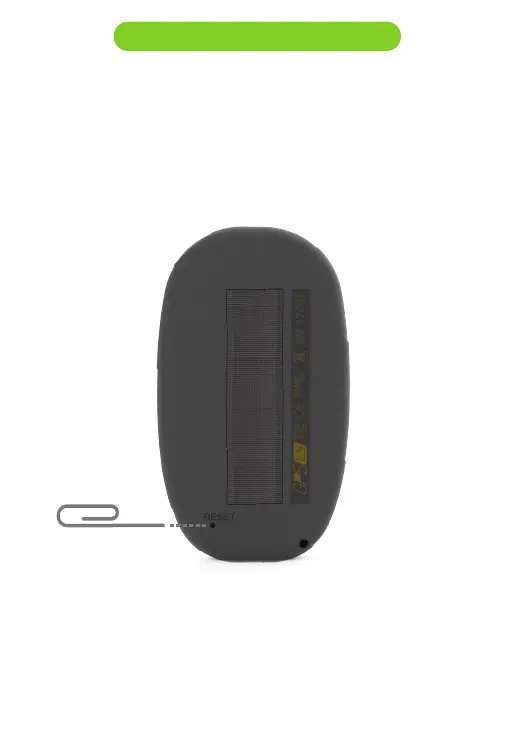
5. Reset and Fail Safe mode
If for any reason your GPS LS becomes unresponsive or does not boot
up, please try the following procedures.
1. Reset the GPS LS
Insert a paper clip into the reset hole and push it gently. Do not use
extreme force or use a sharp tip tool to do this operation.
2 . Put the GPS LS into “fail safe” mode: keep the Power/Menu button
pressed, while pressing the reset button. The GPS shoud display
“SAFE” text on the graphic area. The firmware can now be installed by
using manual update (chapter 4), or, exit the “fail safe mode”, pressing
the reset button again.



 To Next Page