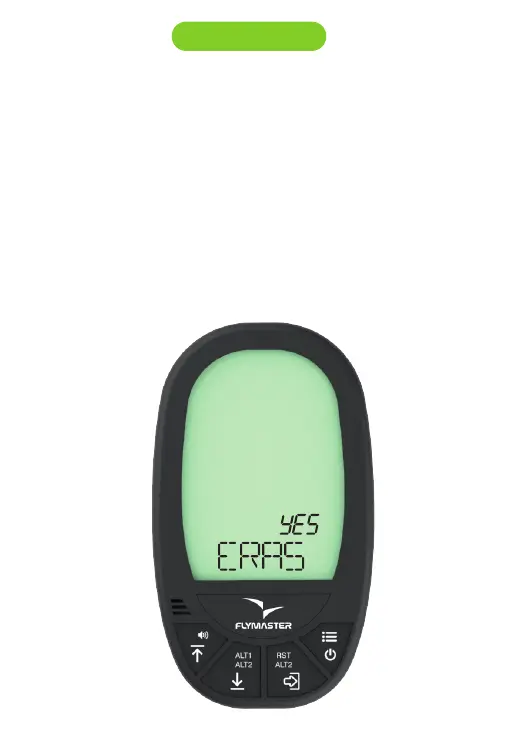
Erase all flights at once from flights log:
- Press MENU, then press UP or DOWN key untill you see “ERAS” on the
display.
Press ENTER to select erase funcion.
The word NO will appear on the display on the ALT1 field.
Use UP or DOWN key to change it to YES.
Press ENTER to confirm.
The word WAIT will appear during the erase process.
Press MENU to go back.
11.2 Flights log



 To Next Page