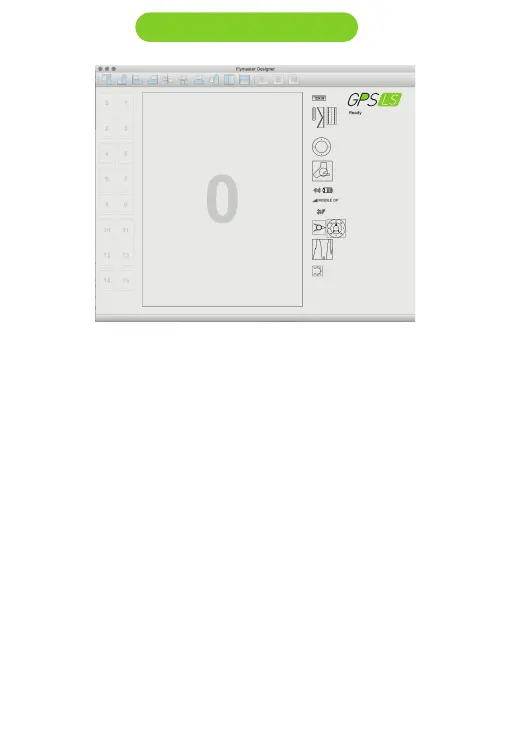
Designer in an application, available for Mac OS, Windows and Linux,
developed by Flymaster. Designer allows you to manage the entire range of
Flymaster instruments including the GPS LS.
For the GPS LS the following functions are available:
- Firmware upgrade
- Download and sync your flights to Flymaster Cloud Flights (see chapter 8)
1. Download the Designer from: https://www.flymaster.net/downloads#
2. Install it on your computer
3. Run the Designer
4. Connect the GPS LS with the supplied Micro-USB cable to your
computer. Turn ON the GPS LS.
5. Click on the instrument logo
3. Designer software



 To Next Page