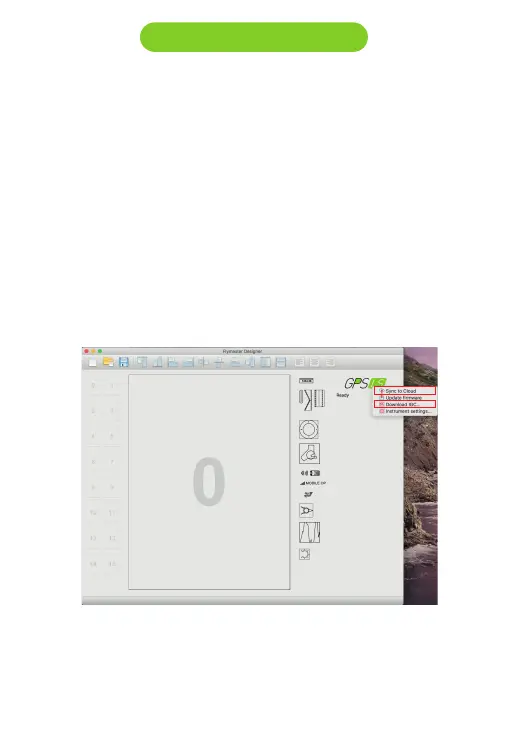
Dowloading flights from the GPS LS:
1. Download the IGC file:
1.1 - Turn ON you GPS LS, and connect it to the Designer software.
1.2 - Click on instrument’s logo and chooose “Download IGC”. Save
the file.
2. Using Flymaster Cloud Flights:
2.1- Be sure you have a Flymaster account and you intrument is
registered in your account. (Chapter 3)
2.2 - Turn ON you GPS LS, and connect it to the Designer software.
2.3 - Click on Vario Ls logo and “Sync to Cloud”
2.4 - . If there is a new flight not yet sync’d with your account the
Designer will send it to Cloud Flights.
12 Downloading flights



 To Next Page