the moment. The lower the pdop value the more accurate the position x.
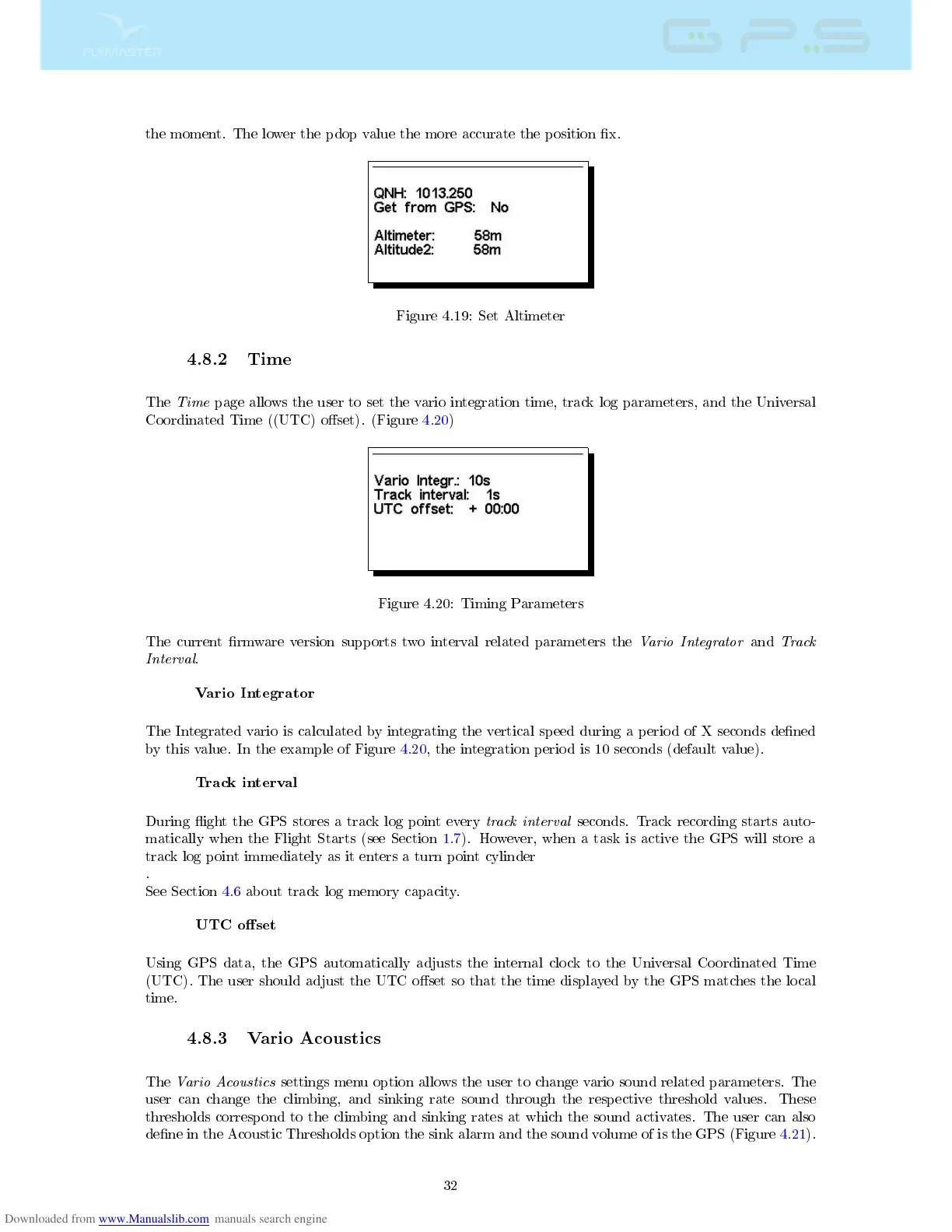
Figure 4.19: Set Altimeter
4.8.2 Time
The
Time
page allows the user to set the vario integration time, track log parameters, and the Universal
Coordinated Time ((UTC) oset). (Figure 4.20)
Figure 4.20: Timing Parameters
The current rmware version supports two interval related parameters the
Vario Integrator
and
Track
Interval
.
Vario Integrator
The Integrated vario is calculated by integrating the vertical speed during a period of X seconds dened
by this value. In the example of Figure 4.20, the integration period is 10 seconds (default value).
Track interval
During ight the GPS stores a track log point every
track interval
seconds. Track recording starts auto-
matically when the Flight Starts (see Section 1.7). However, when a task is active the GPS will store a
track log point immediately as it enters a turn point cylinder
.
See Section 4.6 about track log memory capacity.
UTC oset
Using GPS data, the GPS automatically adjusts the internal clock to the Universal Coordinated Time
(UTC). The user should adjust the UTC oset so that the time displayed by the GPS matches the local
time.
4.8.3 Vario Acoustics
The
Vario Acoustics
settings menu option allows the user to change vario sound related parameters. The
user can change the climbing, and sinking rate sound through the respective threshold values. These
thresholds correspond to the climbing and sinking rates at which the sound activates. The user can also
dene in the Acoustic Thresholds option the sink alarm and the sound volume of is the GPS (Figure 4.21).
32



 To Next Page