Flight preparation 16
© 2003 - 2017 ... Naviter d.o.o.
3.2.4 Relative altitude
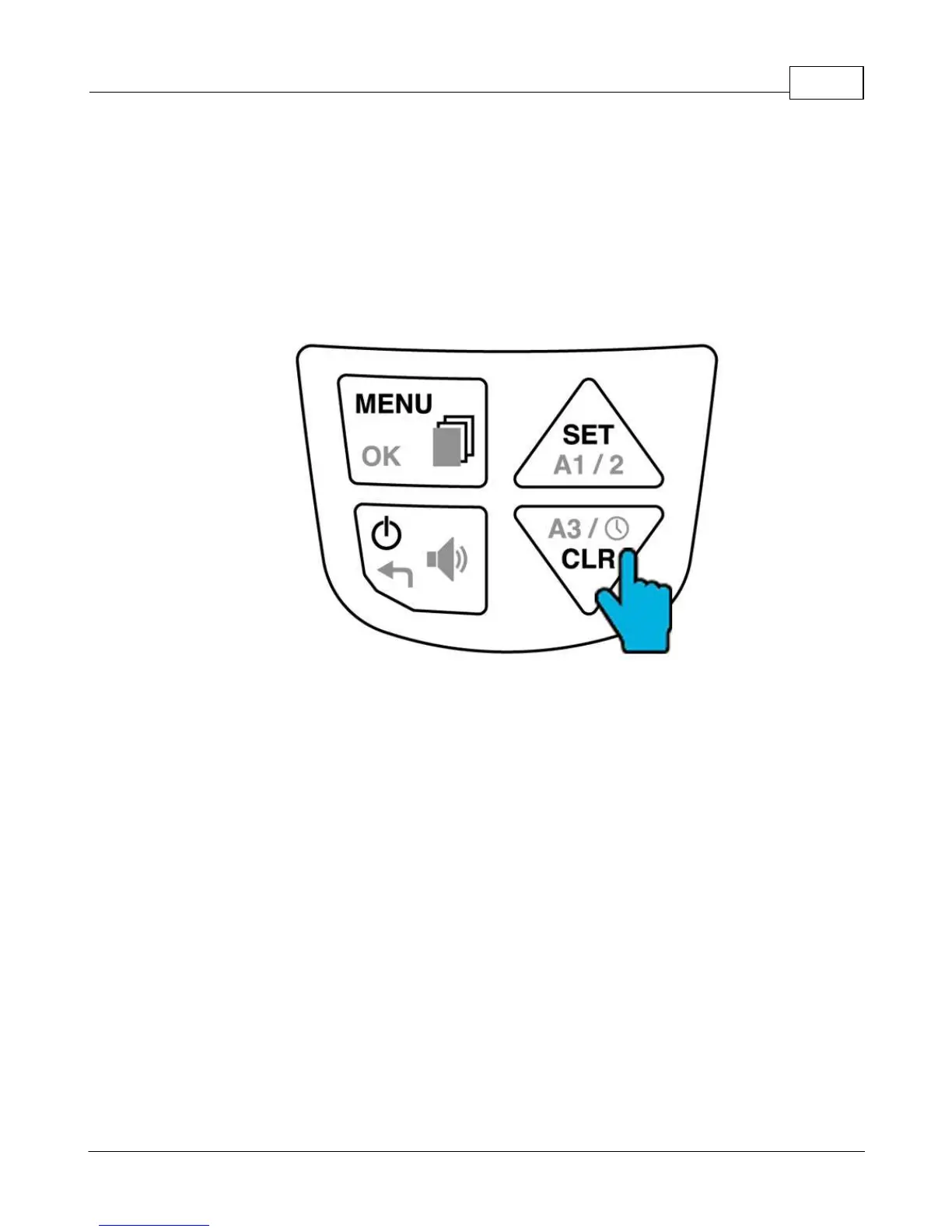
Toggle between displaying ALT3 and the current time of day by pressing the A3 key. This altimeter
always gives a relative altitude and is easy to reset to zero in flight using the Clear ALT3 (CLR) key. It has
two main uses:
When your Element Alto detects take-off, it automatically sets ALT3 to zero. In this way, ALT3 will
indicate your height above (or below) the launch.
In flight, reset ALT3 to zero at any time by pressing CLR A3. This can be useful to monitor your height
gain in a weak thermal.
Toggle between Alt 3, time and flight time, long press to clear Alt 3.


 To Next Page