Element Alto19
© 2003 - 2017 ... Naviter d.o.o.
For your navigation, icons on the compass rose indicate bearings relative to your direction of flight. Your
direction of flight is always at the very top of this display.
4.2 List of indicators
ALT 1 gives your altitude above Mean Sea Level. It is automatically calibrated by GPS.
Ground speed is given in kilometres per hour, knots, or miles per hour.
The compass rose shows your direction of flight by indicating the relative position of True North with
the symbol N. You are always flying toward the top of the compass rose.
Last thermal shows the relative position of your last climb. If you need to return to that thermal, turn
your glider so that the indicator appears at the top of the compass rose.
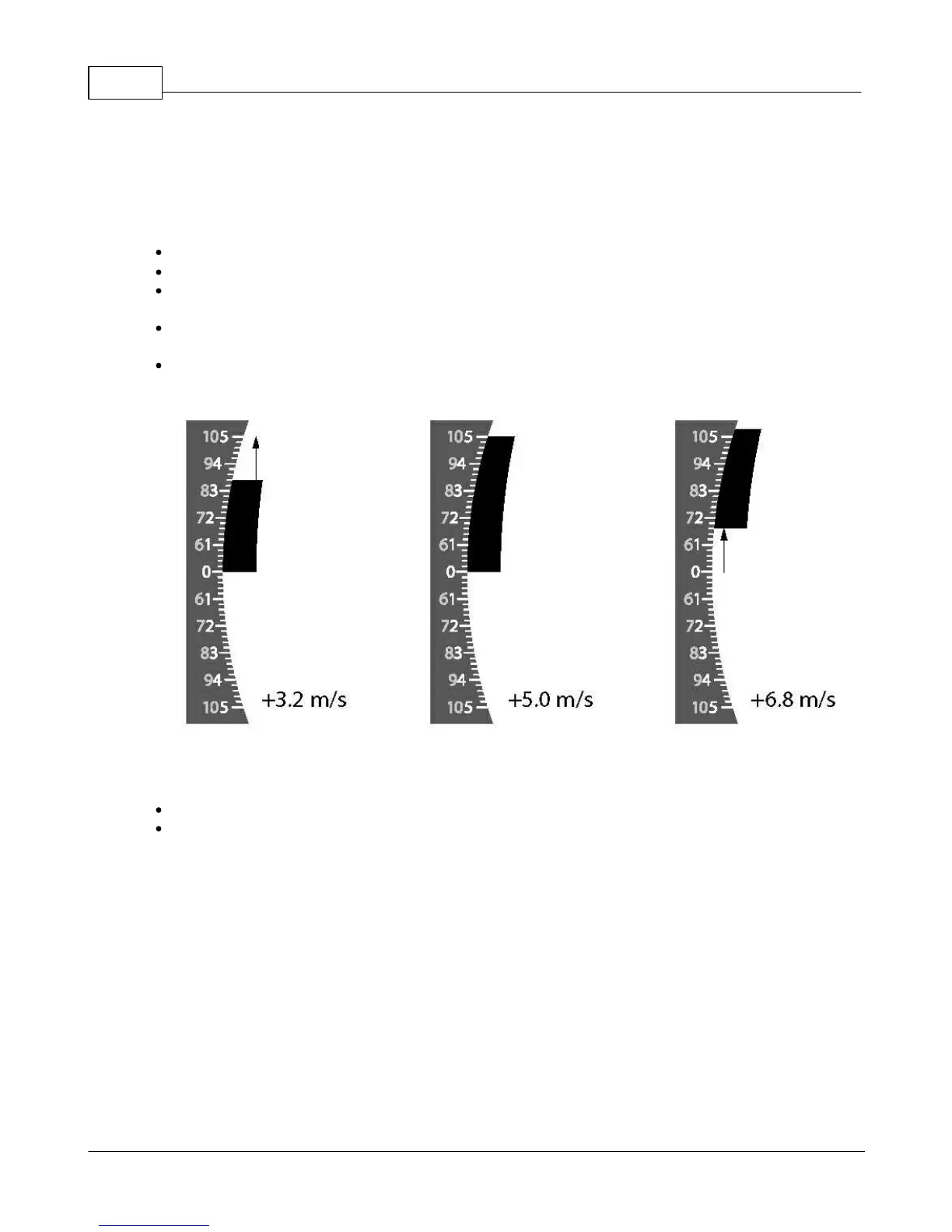
The graphic vario shows your vertical speed (climb or sink) in metres per second, ranging from +10
m/s to -10 m/s. You may also choose feet per minute, ranging from +20 fpm x100 to -20 fpm x100.
The integrated vario gives your vertical speed averaged over the last five seconds.
Wind direction is shown once you have flown a few 360s. Your Element Alto will automatically calculate
the wind direction from your drift and show it as a large wind arrow in the compass rose.
Tip: Wind direction is shown on the display as an arrow in the compass rose. When the arrow points up,
you have a tailwind. When landing, keep the wind arrow pointing down, that means you are flying into
wind.
Note: The Element Alto calculates wind direction and strength by measuring your track over the ground
during 360-degree turns and calculating your drift. For the most accurate wind reading, you should fly
two or more slow circles, holding constant speed and bank angle.
4.3 Audio volume
In flight you may adjust the audio volume by pressing the loudspeaker key on your keyboard.


 To Next Page