Flight mode 20
© 2003 - 2017 ... Naviter d.o.o.
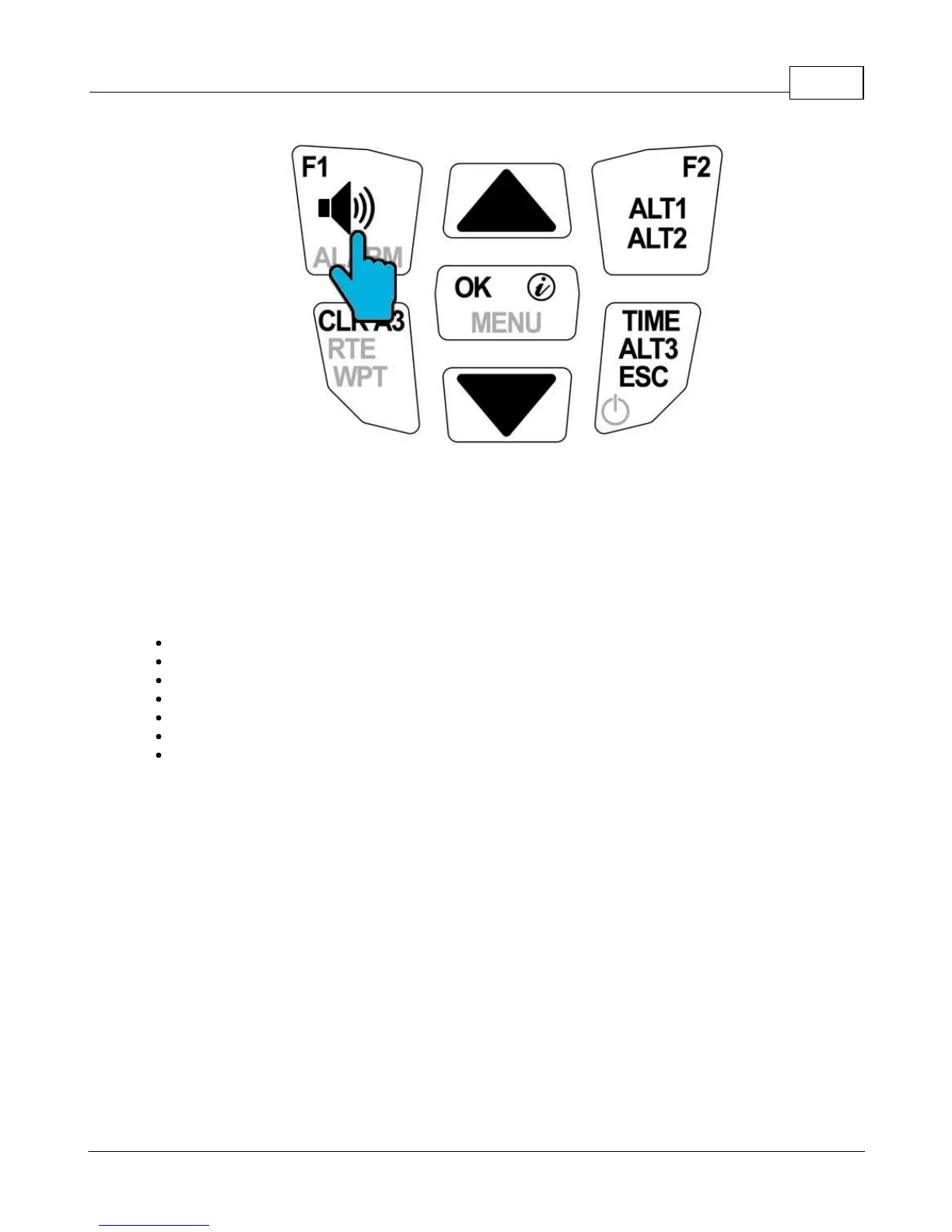
Adjusting audio volume in flight.
4.4 Summary page upon landing
Note that upon landing, your Element Alto will need a few seconds to determine for sure that you've
stopped moving. Once it has, it will display a summary of your flight. While the flight summary is
displayed, press the on/off button to switch off your Element Alto. The same summary page is presented
to you in your flight memory. The flight summary page displays the following information:
Maximum value of ALT1
Maximum climb rate of the flight
Maximum sink rate of the flight
Total flight time
Position in Element's memory (most recent flight is always #1)
Date
Time of take-off



 To Next Page