Configuration 26
© 2003 - 2017 ... Naviter d.o.o.
6.2 Vario profiles
To set your vario check following chapters:
Profile types
Profile customisation
Profile reset
Vario integration
6.2.1 Profile types
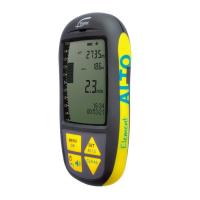
The Element Alto offers 5 profiles for weak, regular, and strong thermals, for ridge/coastal soaring, and
for balloon flights.
1. Press and hold Menu
2. Use the arrow keys to scroll to Vario profiles, press OK
3. With Select you enter the list of profiles, select from weak, regular, strong, soaring, or balloon
with OK
4. Return with .
6.2.2 Profile customisation
Each profile can be customised to the pilots preference. All values which are changed are saved in that
particular profile. In order to edit and profile, it must first be selected as described above. Like most all
varios, the Element Alto beeps when you climb and sounds a low tone when you sink. But the vario
acoustics are slightly more sophisticated than that. In addition to the familiar climb and sink tones, your
Element Alto also features a near-thermal Tone to help you find weak thermals and it can sound a sink
tone if you are sinking rapidly.
26
26
28
29


 To Next Page