Element Alto23
© 2003 - 2017 ... Naviter d.o.o.
5 Flight analysis
The Element Alto stores 20 flights in its internal memory. Once the 20 are full, each new flight replaces
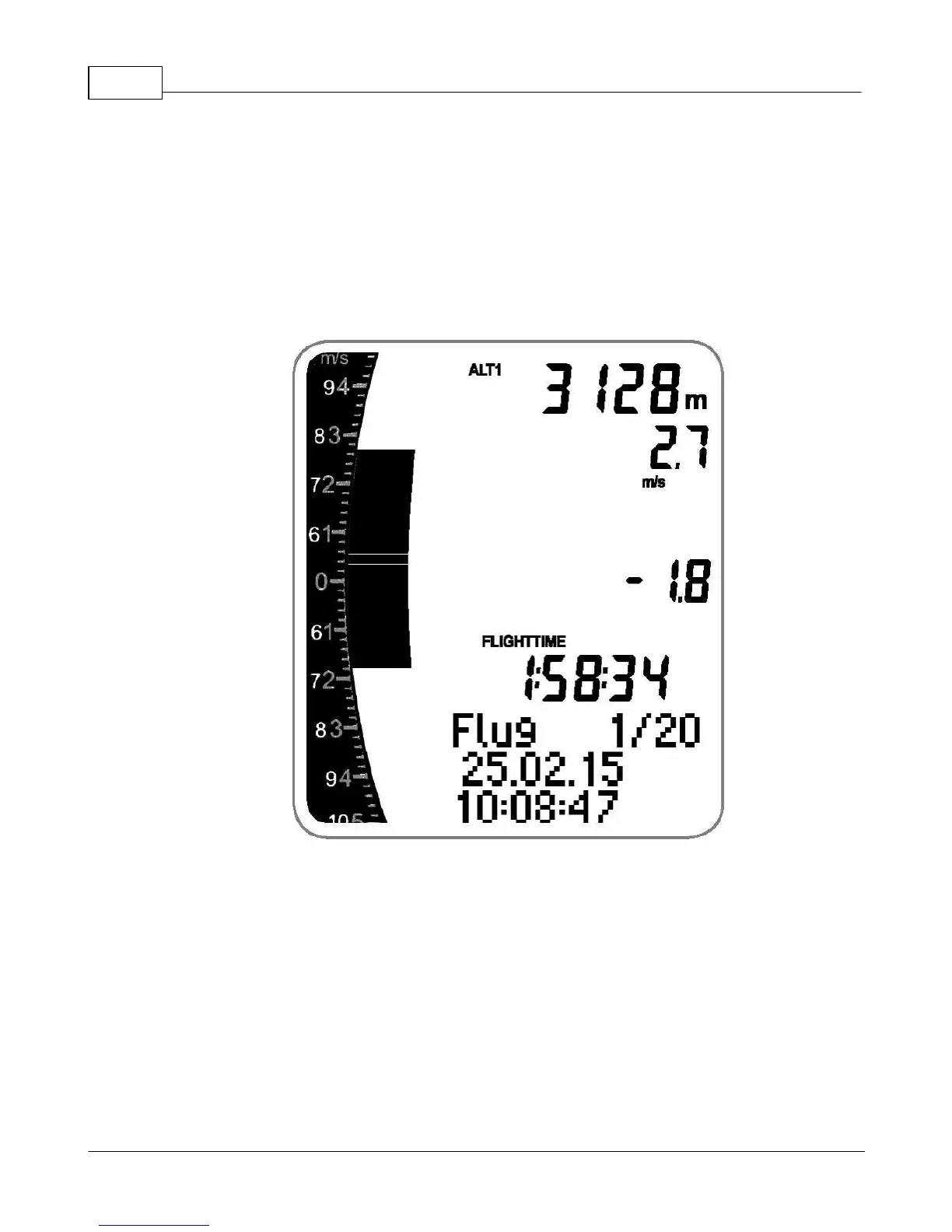
the oldest one in the memory. Every flight is shown as a summary page as shown below and can be
accessed as follows:
1. Press and hold MENU.
2. Use the arrow keys to select Flights, press OK.
3. Toggle through your flight summary pages using the arrow keys.



 To Next Page