4
2-3.
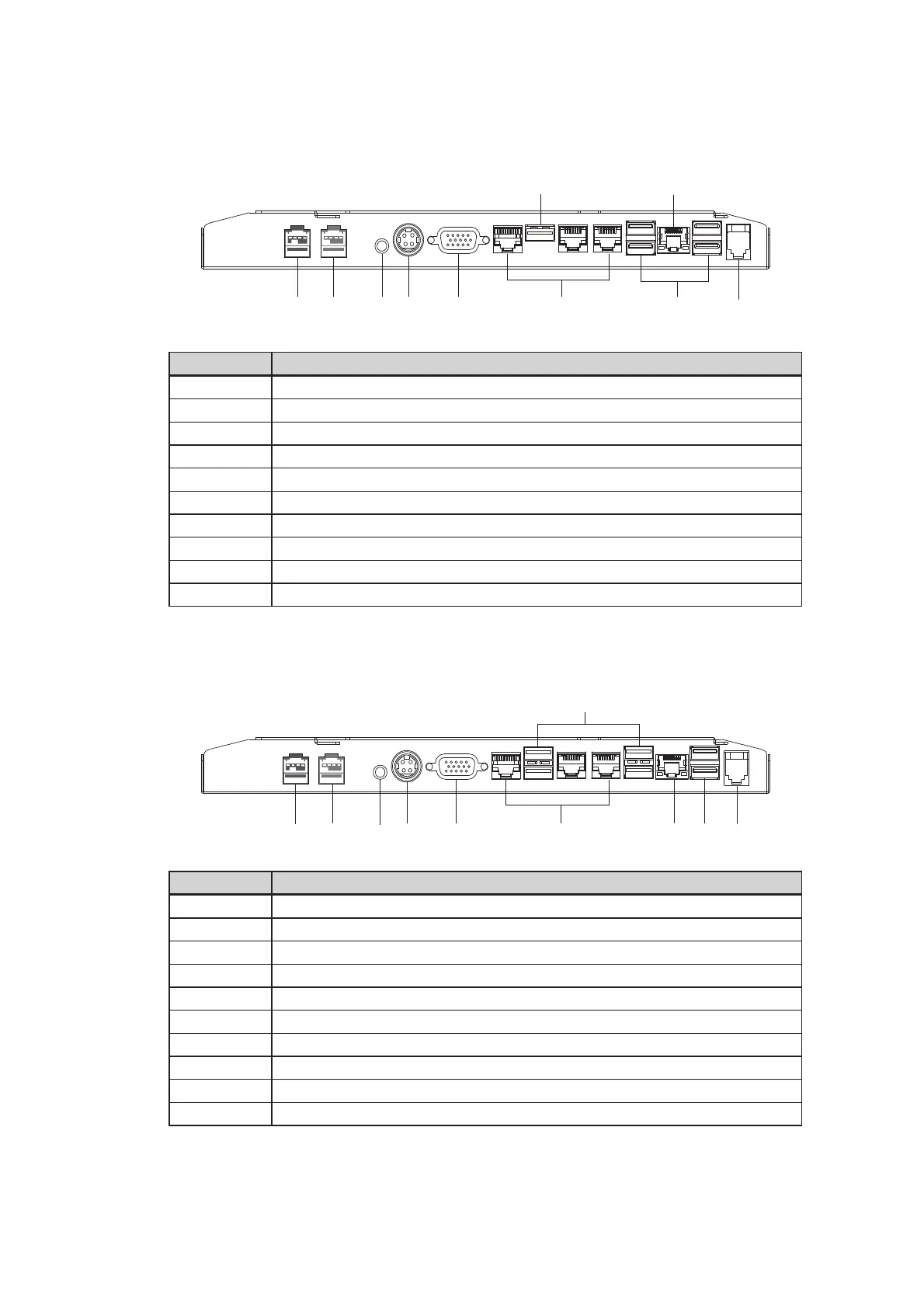
IO Ports View
No. Description
a Powered USB 24V (option)
b Powered USB 12V (option)
c Power button
dDC 19V in
eVGA
f COM 1, 2, 3 (from right to left)
g USB 2.0 x 4
h Cash drawer
i USB 3.0 x 1
jLAN
ab cd e
f
g
h
i
j
ab cd e
f
g
h
i
j
D36 Motherboard
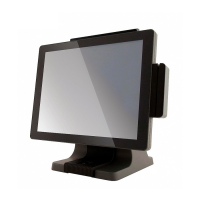
D86U Motherboard
No. Description
a Powered USB 24V (option)
b Powered USB 12V (option)
c Power button
dDC 19V in
eVGA
f COM 1, 2, 3 (from right to left)
gLAN
h USB 2.0 x 2
i Cash drawer
j USB 3.0 x 4



 To Next Page