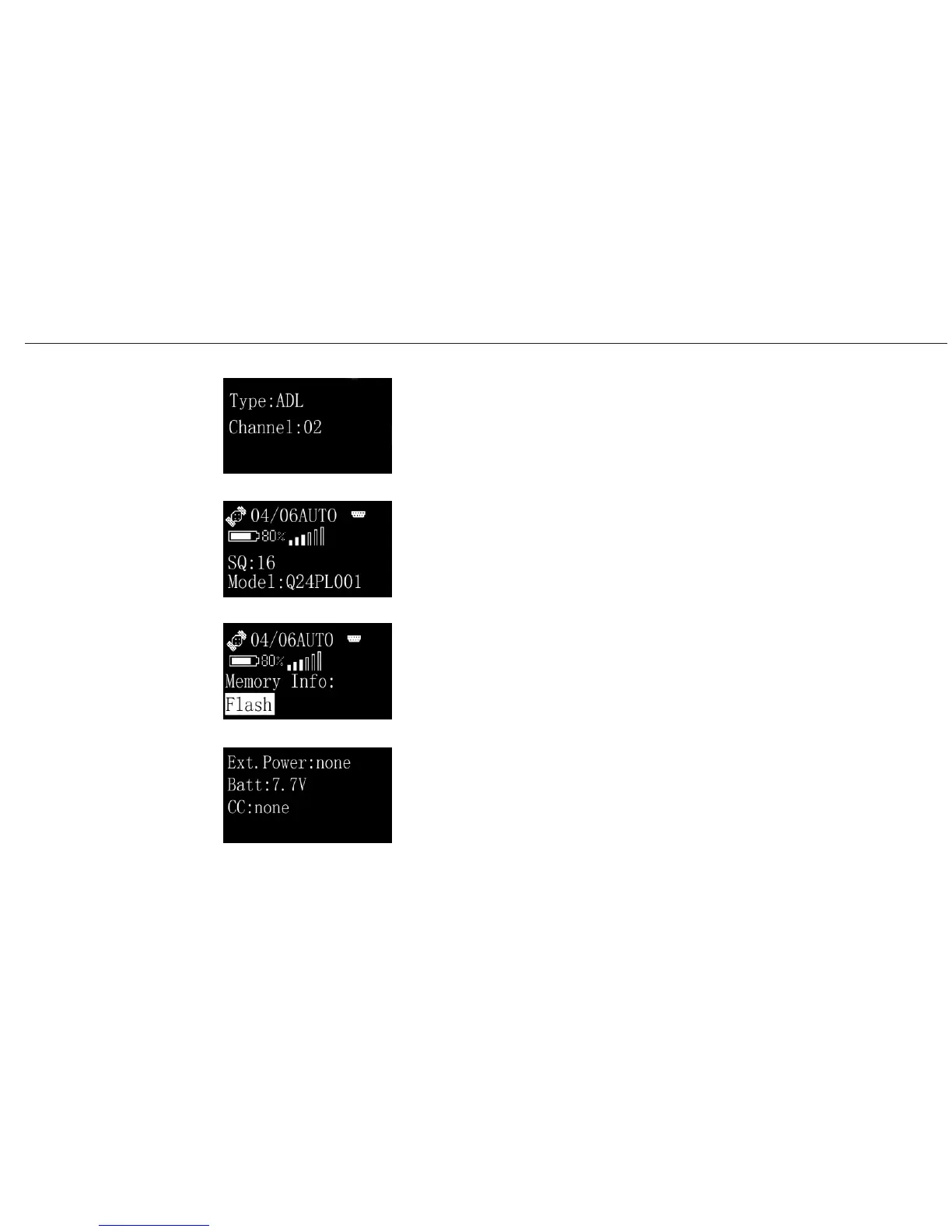
Select Radio, you will see the model and channel of radio.
Select GPRS, you will see the model and signal of GPRS.
Select Mem, you will see the Info. of memory.
Select Bat. , you will see the Info. of battery.
A20 User Manual
Operating
Menu (2)
Info/Radio
Info/GPRS
Info/Mem
Info/Bat.
27


 To Next Page