surveying at 11am to 12am on CPI0027. So then we can give its name as 0027086B which
is different from 0023086A,although we use the same receiver to do the job.(The front 4
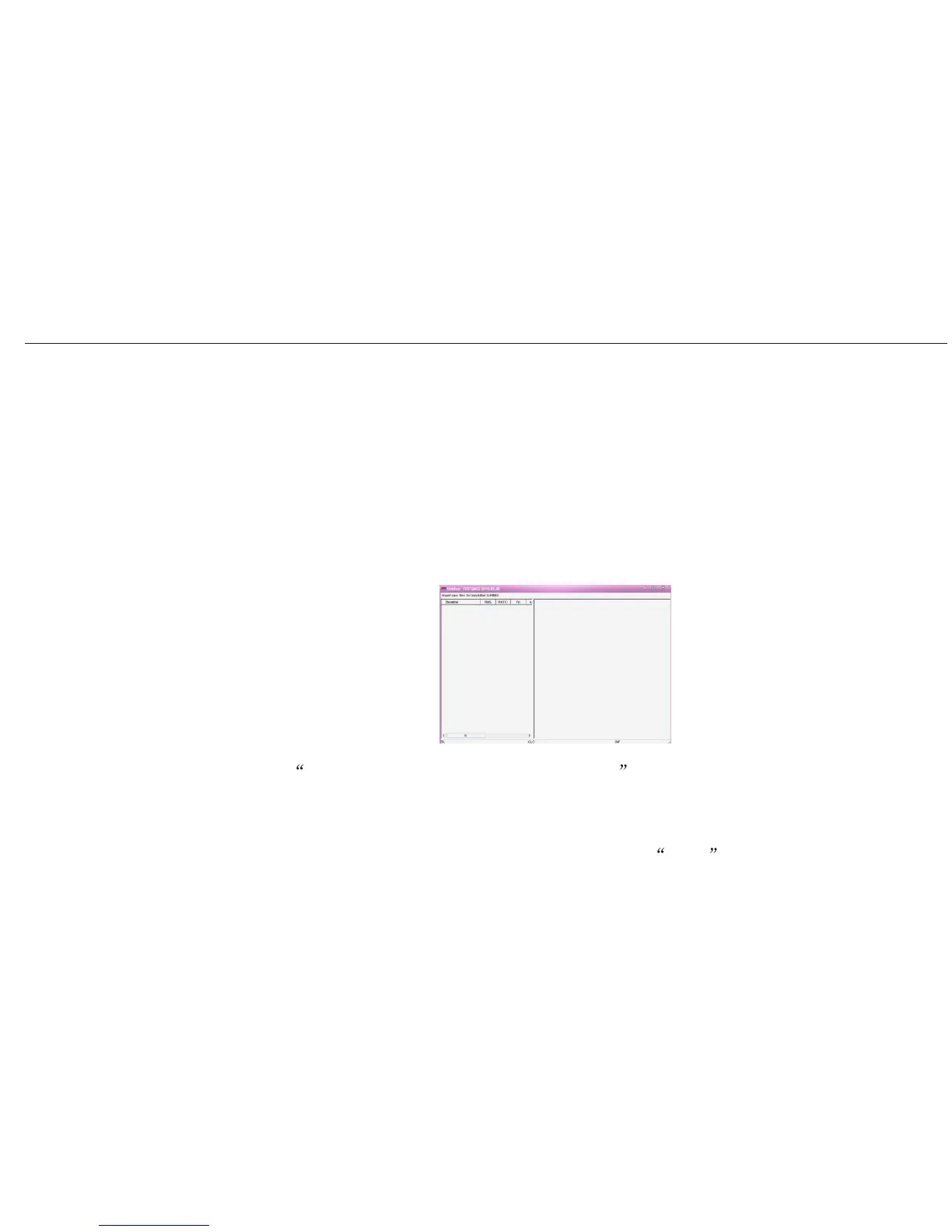
3) Convert these data to RINEX format and input the height of A20. You can finish this by
the software FOIFGNSS shown below.
numbers are point name, the later numbers are SN of receiver, the last capital letter is
can give its name as 0023086A. Further more, still this receiver for the second time
A20 User Manual
36
of receiver) for the first time surveying at 9am to 10am on CPI0023(point name), so we
surveying time.)
4) Click Import raw files for translated to RINEX , choose the files that need to be
converted.(These files are downloaded from receivers.) This software can convert as
much as 16 files at the same time.
5) Choose the files that you want to convert, then click Open . The converted files are
saved at the same path as your original files on your PC.


 To Next Page