A20 User Manual
37
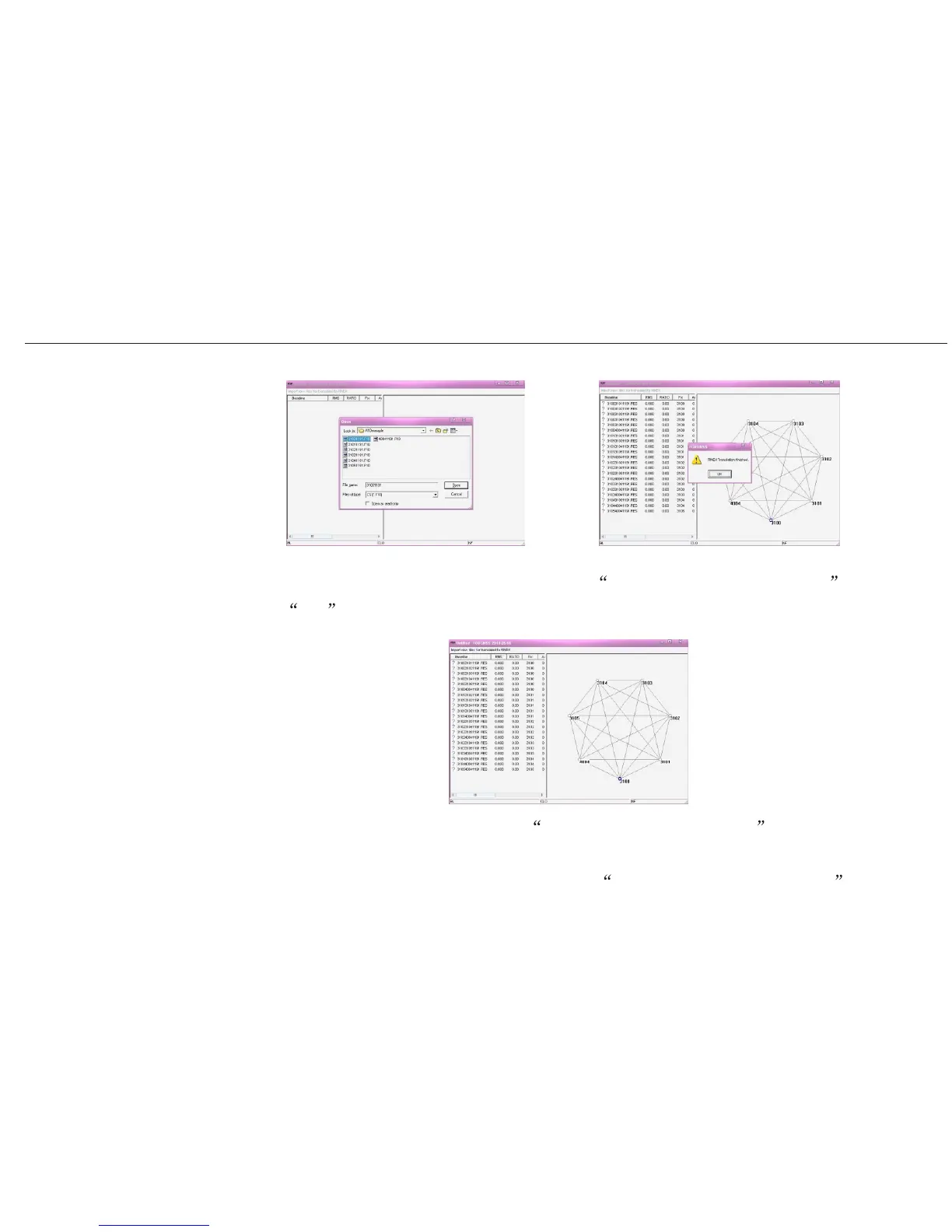
7) When you have seen the window information RINEX Translation finished , then
press OK , you can see the network and baselines for your static surveying.
Detailed pictures are shown below,
8) Using FOIF post processing software FGO Geomatic Office 2008 to do the office
Detailed ways are shown in the user manual of FOIF Geomatics office 2008 .
work.


 To Next Page