22
JP-1 Setting (for Alpha 580 models only)
JP1
Open
Power
“On”
Press START/AUX
pushbutton
Receiver MAIN
activated
OR Reset EMS button
Press START/AUX
pushbutton
Receiver MAIN
activated
JP4
Short
Power
“On”
Receiver MAIN activated
OR Reset EMS button Receiver MAIN activated
JP-3 Setting (for all models)
YES Work resumes
JP3
Open
Power
“On”
Work i n
progress
Transmitter
low-voltage
condition occurs
LV
warning
Replace batteries
within 1 minute
NO Transmitter unit will be deactivated
YES Work resumes
JP3
Short
Power
“On”
Work i n
progress
Transmitter
low-voltage
condition occurs
LV
warning
Replace batteries
within 1 minute
NO
The transmitter power and the
receiver MAIN will be deactivated
JP-4 Settings (for Alpha 540A & 560A models only)
JP4
Open
AUX button with normal momentary relay contact
JP4
Short
AUX button with latching/toggled relay contact
7
7
.
.
2
2
H
H
o
o
w
w
t
t
o
o
S
S
e
e
t
t
I
I
D
D
C
C
o
o
d
d
e
e
s
s
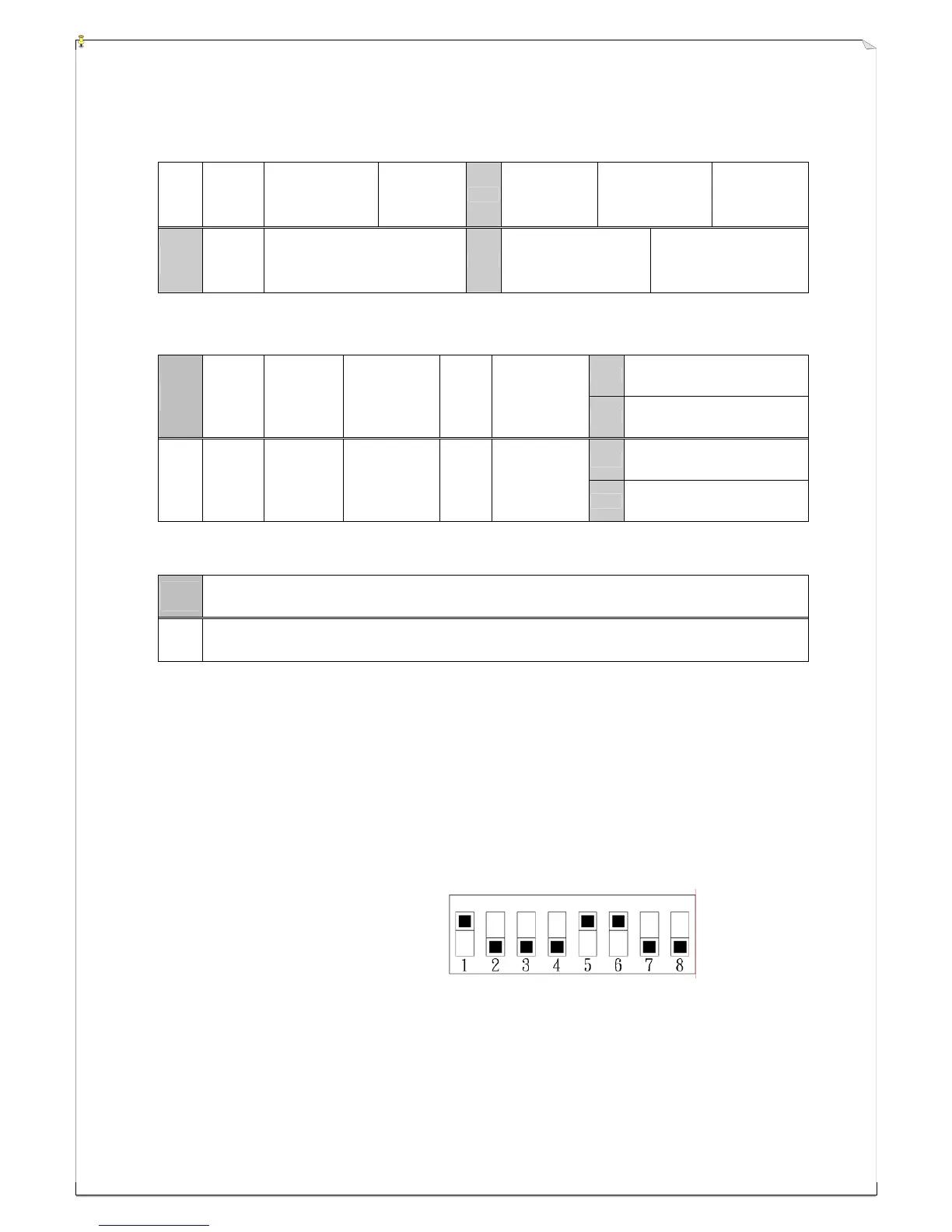
The ID code dip-switch is located on the backside of the transmitter encoder board and on the topside
of the receiver decoder/relay board (refer to section 3~5). When you change the ID code of the system
please make sure that the “1” value adds up to be an “odd” number (see below).
Example : ID code →
10001100
→ “1” x 3 = 3 → Odd number
→ Correct setting
Top slot → “1”
Bottom slot → “0”
N
N
o
o
t
t
e
e
:
:
D
D
e
e
p
p
e
e
n
n
d
d
i
i
n
n
g
g
o
o
n
n
a
a
r
r
e
e
a
a
,
,
m
m
o
o
d
d
e
e
l
l
s
s
i
i
n
n
s
s
o
o
m
m
e
e
c
c
o
o
u
u
n
n
t
t
r
r
i
i
e
e
s
s
m
m
a
a
y
y
h
h
a
a
v
v
e
e
“
“
E
E
v
v
e
e
n
n
”
”
n
n
u
u
m
m
b
b
e
e
r
r
e
e
d
d
I
I
D
D
c
c
o
o
d
d
e
e
.
.
P
P
l
l
e
e
a
a
s
s
e
e
c
c
h
h
e
e
c
c
k
k
t
t
h
h
e
e
I
I
D
D
c
c
o
o
d
d
e
e
i
i
n
n
f
f
o
o
r
r
m
m
a
a
t
t
i
i
o
o
n
n
l
l
o
o
c
c
a
a
t
t
e
e
d
d
o
o
n
n
t
t
h
h
e
e
b
b
a
a
c
c
k
k
s
s
i
i
d
d
e
e
o
o
f
f
t
t
h
h
e
e
t
t
r
r
a
a
n
n
s
s
m
m
i
i
t
t
t
t
e
e
r
r
h
h
a
a
n
n
d
d
s
s
e
e
t
t
o
o
r
r
o
o
n
n
t
t
h
h
e
e
f
f
a
a
c
c
e
e
c
c
o
o
v
v
e
e
r
r
o
o
f
f
t
t
h
h
e
e
r
r
e
e
c
c
e
e
i
i
v
v
e
e
r
r
u
u
n
n
i
i
t
t
f
f
o
o
r
r
c
c
o
o
r
r
r
r
e
e
c
c
t
t
I
I
D
D
c
c
o
o
d
d
e
e
s
s
e
e
t
t
t
t
i
i
n
n
g
g
(
(
o
o
d
d
d
d
o
o
r
r
e
e
v
v
e
e
n
n
)
)
.
.

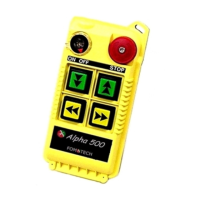

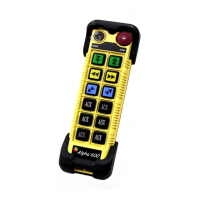
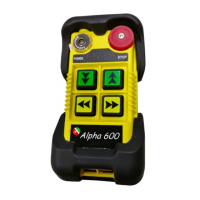

 To Next Page