30
LED DISPLAY
3. Status Lights _ If the transmitter Status LED displays a red blinking light that is “on” → 0.1
second and “off” → 2.0 seconds, or no light at all, this indicates that the two “AA” batteries in the
transmitter must be replaced. For battery replacement please refer to instruction next page.
If the transmitter Status LED is blinking red, “on” → 2.0 seconds and “off” → 0.1 second, it
means that the transmitter handset is locked due to a damaged or closed pushbutton contact. Also
possibly the operator is pressing a pushbutton while going through the start up sequence. This
important safety feature is designed to prevent any unexpected crane movement at system startup
caused by closed or defective pushbutton contacts.
If the transmitter Status LED displays a constant red light without flashing, this indicates that the
transmitter ID code is set incorrectly (refer to section 7.2 on page 22).
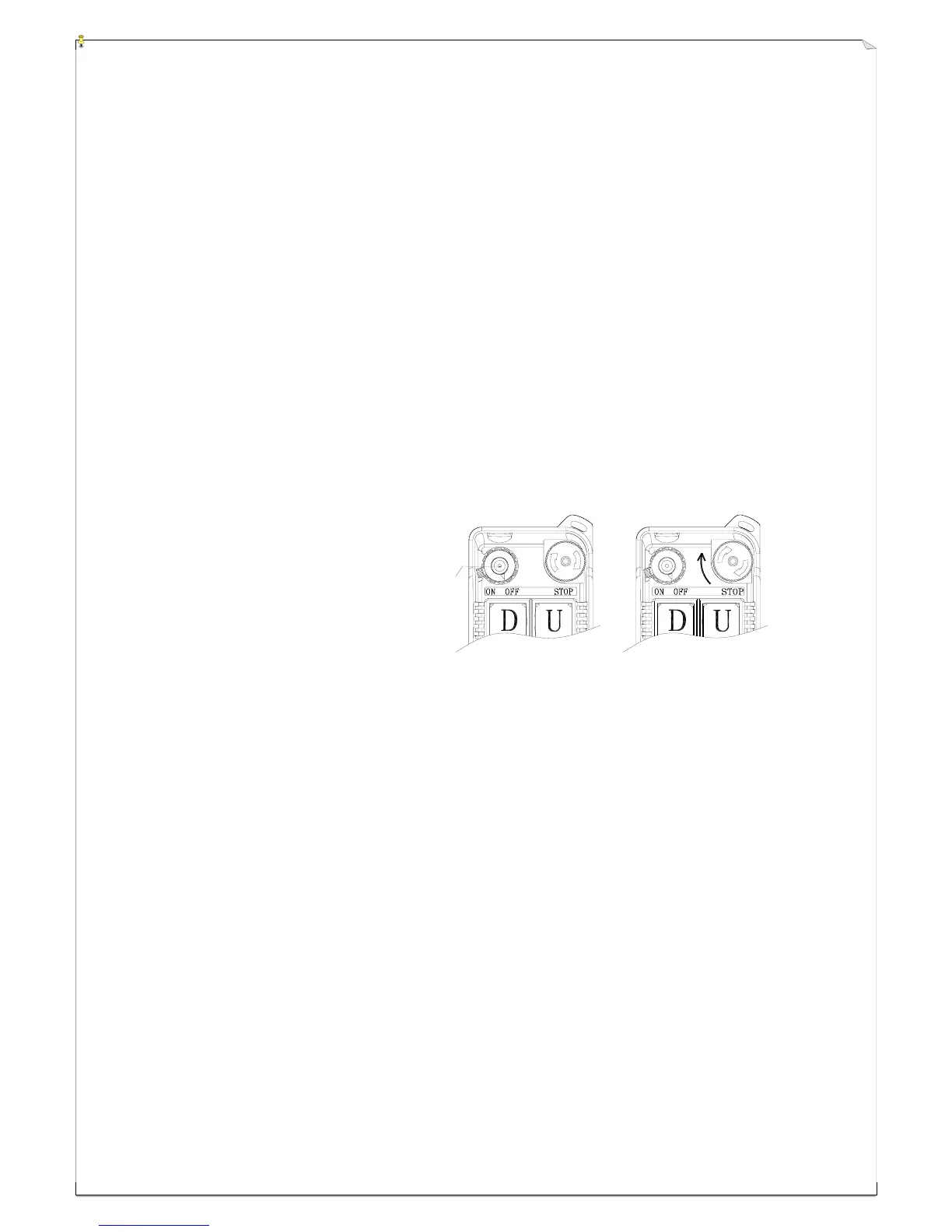
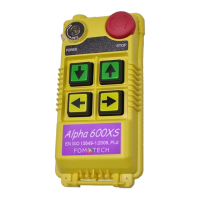
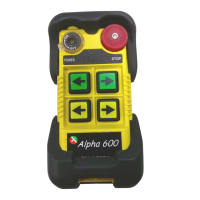
4. EMS & Restarting _ In case of an emergency, press down the red emergency stop button (EMS)
will immediately deactivates the transmitter and receiver MAIN relay. To reactivate the system,
just turn the EMS button clockwise 1/4 turn so that the red button pops up (refer to fig. 26 below).
(Fig. 26) EMS Button
5. Shutting Off the Transmitter _ To disconnect the transmitter power and the receiver MAIN
relay, just turn the transmitter power to “OFF” position. When the transmitter power is turned off,
the receiver MAIN is also deactivated (open).
6. Models with 3-Stage SELECT Function _ When the transmitter power key is turned “on”,
LED-I will light up indicating only the main hoist and/or trolley is activated. To activate the
auxiliary hoist and/or trolley, just press the "Select" pushbutton one time, the LED display will
switch from LED-I to LED-II, indicating only the auxiliary hoist and/or trolley is activated. Press
the "Select" pushbutton again to have both main and auxiliary hoist and/or trolley activated at the
same time (both LED-I and LED-II lit). When both LED-I and LED-II are lit, pressing any
pushbutton will result in duplicate movement for the main and auxiliary hoist and/or trolley.
Example: Both main and auxiliary hoist will go up at the same time when “UP” (↑)
pushbutton is pressed.
To switch back to the main hoist and/or trolley, just press the "Select" pushbutton again. Please
note that every time when the transmitter power is turned “off” and then back “on” again, or after
EMS reset, the "Select " setting will default back to LED-I with main hoist and/or trolley active.



 To Next Page