21
Step7
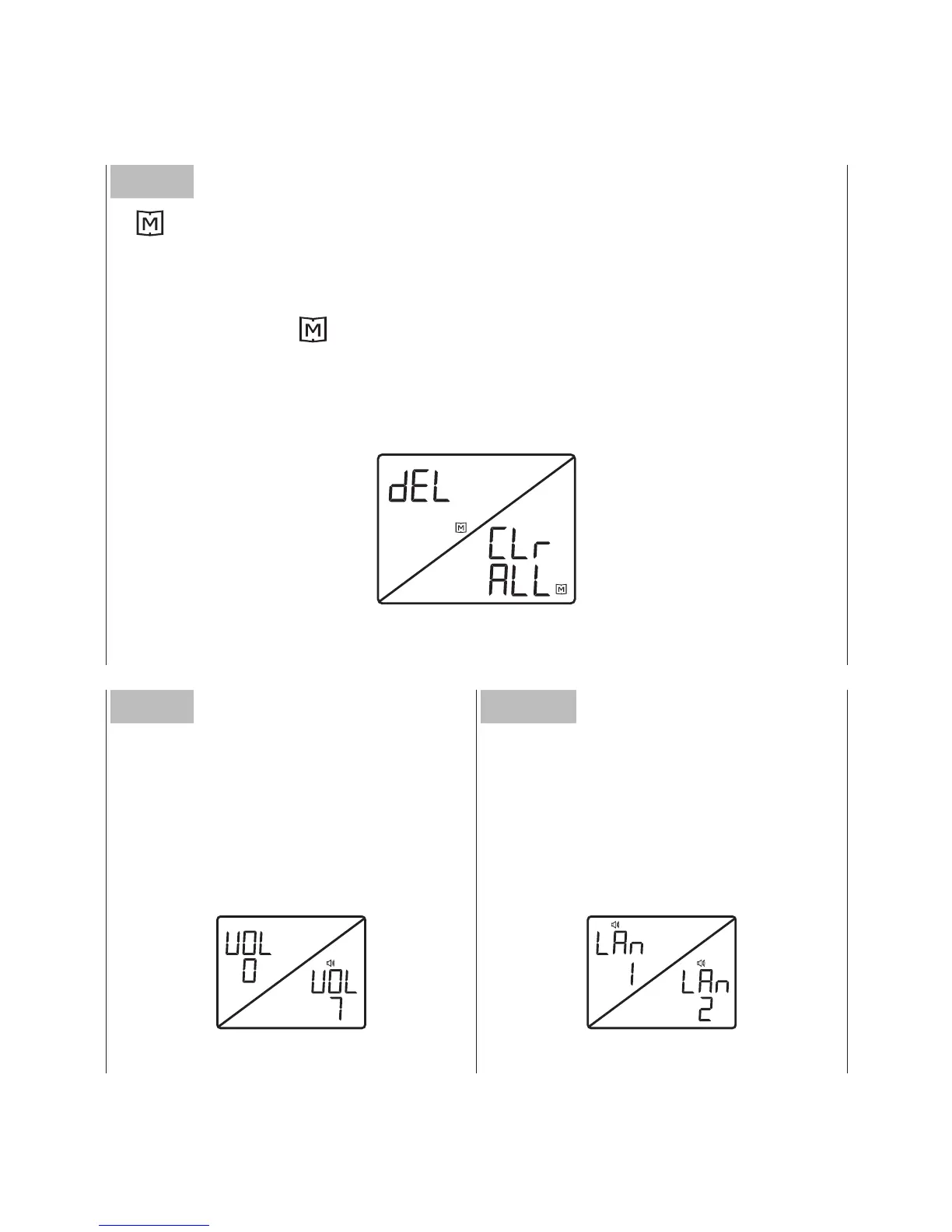
Memory ashes.
• If you’d like to skip this step, press the Set button to next.
• If you’d like to delete memory, press theM button again so
that “dEL” and will both ash. Press the M button again to
delete ALL memory. “CLr/ALL” appears and the monitor will
automatically go to next step.
Step8
Voice volume number ashes.
Follow Step3 for changes.
Step9
Lanauage ashes. Follow
Step3 for changes.



 To Next Page