EN-13
Note:
This step is recommended when the user needs to pair this
meter to a Bluetooth receiver for the rst time, or when
the user needs to pair this meter to another new Bluetooth
receiver.
4. If your device with an iOS, Android system or PC is within
the receiving range, the data transmission will start and the
Bluetooth signals in blue. Once it is nished, the GD50b will
automatically switch o.
5. If your device with an iOS, Android system or PC is not
within the receiving range, the GD50b will automatically
switch o in 3 minutes.
Note:
• While the meter is in transmission mode, it will be unable
to perform a blood glucose test.
• Make sure your device with iOS or Android system has
turned on its Bluetooth before transmitting the data and
the meter is within the receiving range.
Maintenance
Changing Battery
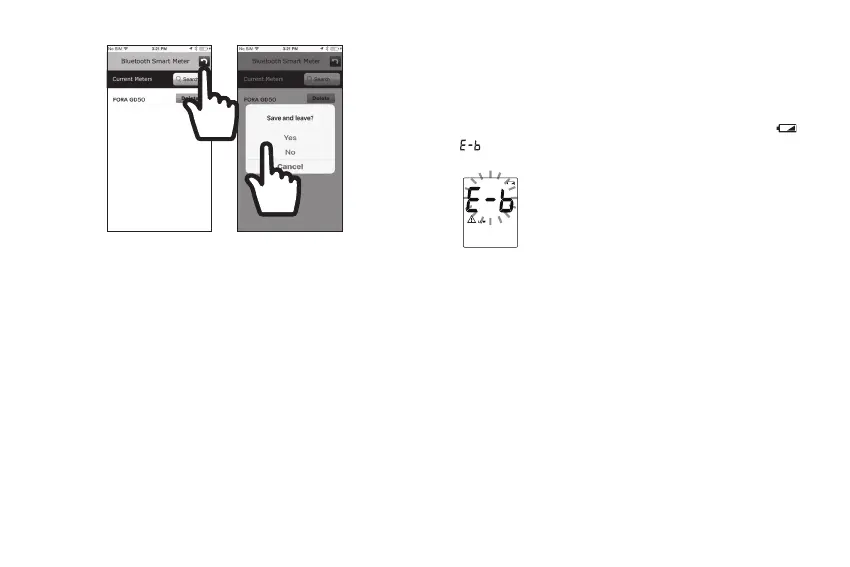
You must change the battery immediately and reset the date
and time when the battery power is extremely low and “
& ” appears on the screen. The meter cannot be turned
on.
To change the battery, do the following:
1. Press the edge of the battery cover and lift it up to remove
the cover.
2. Remove the old battery and replace with one 1.5V AAA size
alkaline battery.
3. Close the battery cover. If the battery is inserted correctly,
you will hear a “beep” afterwards.
CAUTION
RISK OF EXPLOSION IF BATTERY IS REPLACED BY
AN INCORRECT TYPE.
DISPOSE OF USED BATTERIES ACCORDING TO THE
INSTRUCTIONS.



 To Next Page