EasyManua.ls Logo

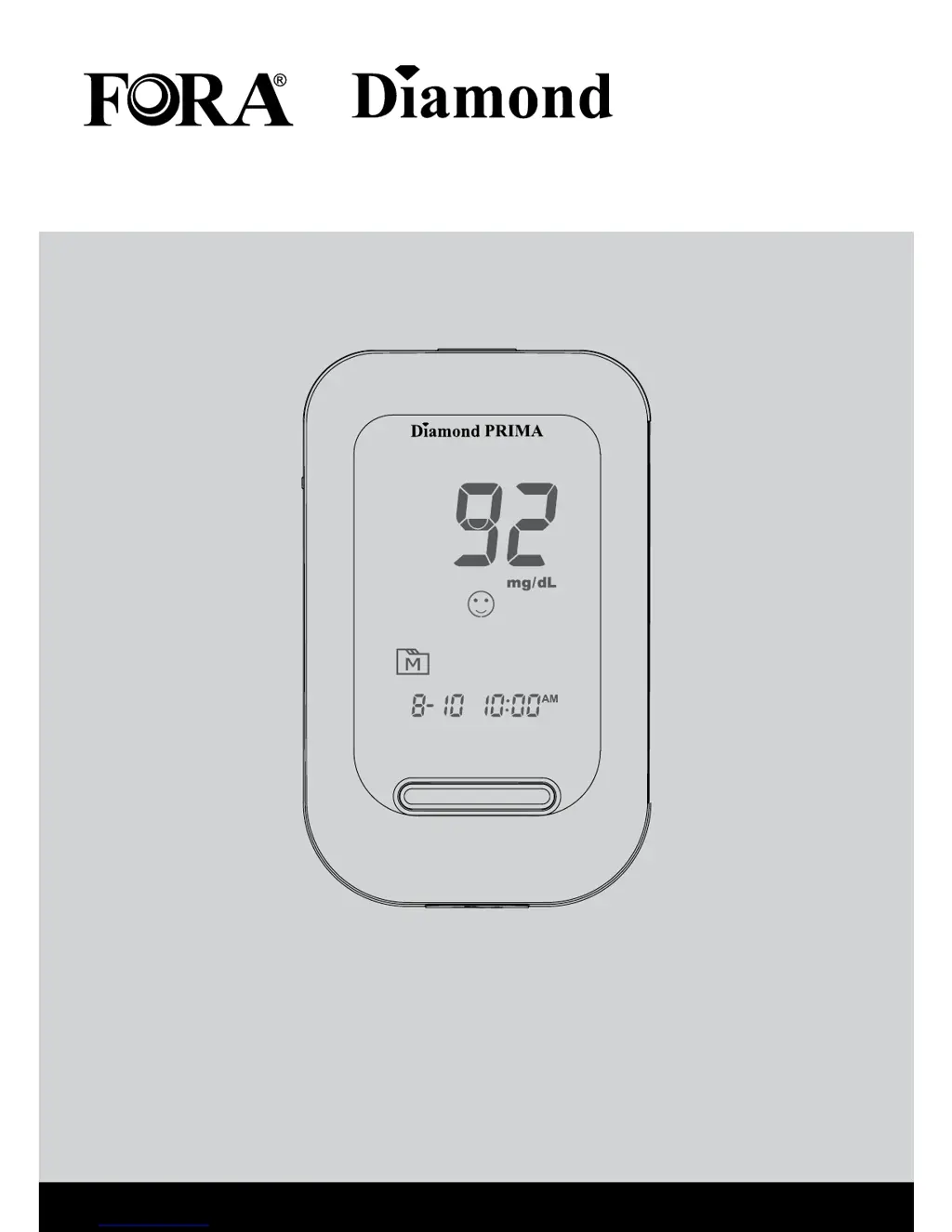
Fora Diamond PRIMA - User Manual

Fora Diamond PRIMA
40 pages
Print Icon
To Next Page IconTo Next Page
Loading...
Owner’s Manual
Blood Glucose Monitoring System
PRIMA

Questions and Answers

  • S
    Susan ThomasAug 4, 2025
    What to do if Fora Diamond PRIMA Blood Glucose Meter test does not start after applying the sample?
    • C
      Craig WallaceAug 4, 2025
      If the Fora Blood Glucose Meter doesn't start after you apply the sample, it might be due to several reasons: * **Insufficient blood sample:** Use a new test strip and apply a larger volume of blood. * **Defective test strip:** Try repeating the test using a new test strip. * **Sample applied after auto switch-off:** Ensure you apply the sample while the flashing symbol is on the display, using a new test strip. * **Defective meter:** In this case, please contact customer services.
  • G
    Gabrielle LunaAug 14, 2025
    Why does my Fora Blood Glucose Meter not display anything after inserting a test strip?
    • M
      Mark CastroAug 14, 2025
      If your Fora Blood Glucose Meter doesn't display anything after inserting a test strip, here's what could be happening: * **Battery exhausted:** Replace the battery. * **Test strip issue:** Make sure you insert the test strip correctly, with the contact bars end going in first and facing up. * **Defective equipment:** If the issue persists, there may be a problem with the meter or test strips. Please contact customer services.
  • C
    Cristina YoungAug 25, 2025
    What to do if Fora Diamond PRIMA control solution testing result is out of range?
    • D
      donaldhoffmanAug 25, 2025
      If the control solution testing result is out of range for your Fora Blood Glucose Meter, consider the following potential causes: * **Testing error:** Carefully review the instructions and repeat the test. * **Improperly shaken solution:** Vigorously shake the control solution vial and try the test again. * **Expired/contaminated solution:** Verify that the control solution hasn't expired. * **Temperature issues:** Ensure the control solution, meter, and test strips are at room temperature (20°C to 25°C or 68°F to 77°F) before testing. * **Defective test strip:** Use a new test strip and repeat the test. * **Meter malfunction:** If problems persist, please contact customer services.

Summary

Important Safety Instructions

The Four Measuring Modes

Control Solution Testing

Performing a Control Solution Test

Steps and materials needed for conducting a control solution test.

Testing with Blood Sample

Preparing the Lancing Device for Blood Testing

Instructions for preparing the lancing device to collect a blood sample.

Preparing the Puncture Site

Guidance on preparing the puncture site for blood extraction.

Meter Memory

Reviewing Test Results

Steps to access and view the most recent blood glucose test results.

Maintenance

Battery

Information on the meter's battery, low battery signals, and replacement.

System Troubleshooting

Result Readings

Explanation of different messages displayed by the meter for glucose readings.

Detailed Information

Symbol Information

Specifications

Fora Diamond PRIMA Specifications

General IconGeneral
Measurement Range20-600 mg/dL
Sample Size0.5 µL
Test Time5 seconds
DisplayLCD
Battery Type2 x AAA Batteries
Operating Temperature10-40°C
ConnectivityUSB
Result Range20-600 mg/dL
Weight65 g (without batteries)
Storage Conditions-20 to 60°C, ≤90% RH
Memory Capacity450 test results with date and time

Related product manuals