12
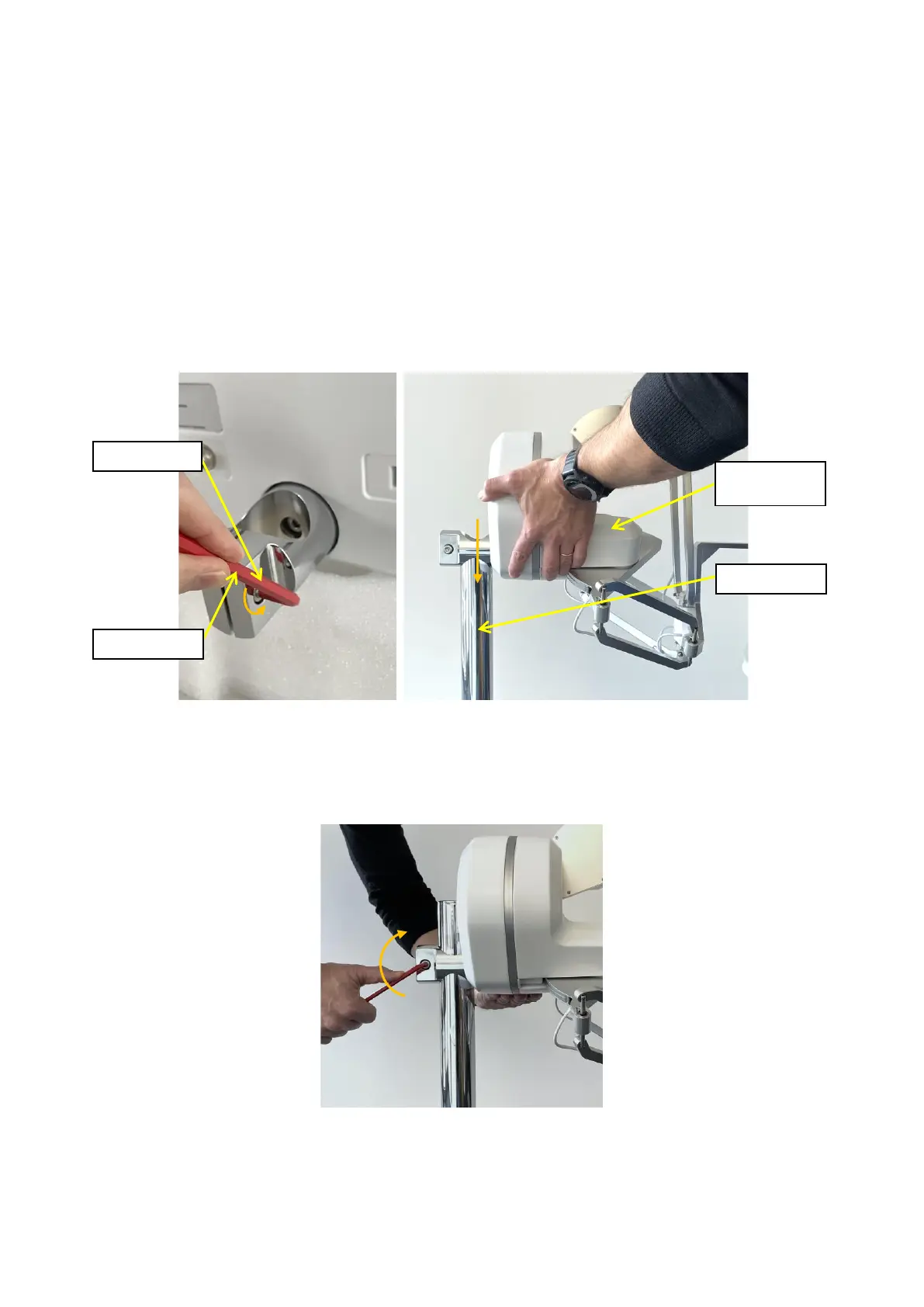
By using the same red hex key, loosen the clamping screw as illustrated on the left image of figure
11.
Finally, mount the lambda.7 device base on its stand pole by sliding it from the top, as shown on
the right image of figure 11. Place the haptic device controller at the desired height and lock the
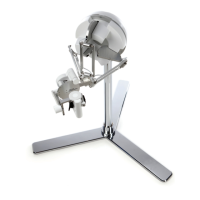
mechanism by fastening the clamping screw.
Verify that the device is correctly secured by making sure that the device base cannot rotate
around its vertical stand pole. If any slippage occurs, further tightening of the clamping screw may
be required.
Figure 11 – After loosening the clamping screw, the haptic device controller can be mounted on the stand
pole.
Figure 12 – Fastening the clamping screw while holding the device with the opposite hand.
Your lambda.7 haptic device is now fully assembled. You may place the haptic device at your con-
sole desk where you will be operating the system.


 To Next Page