UFO5000 | USER MANUAL
13
FRONT FRONT
RIGHT RIGHTLEFT LEFT
REAR REAR
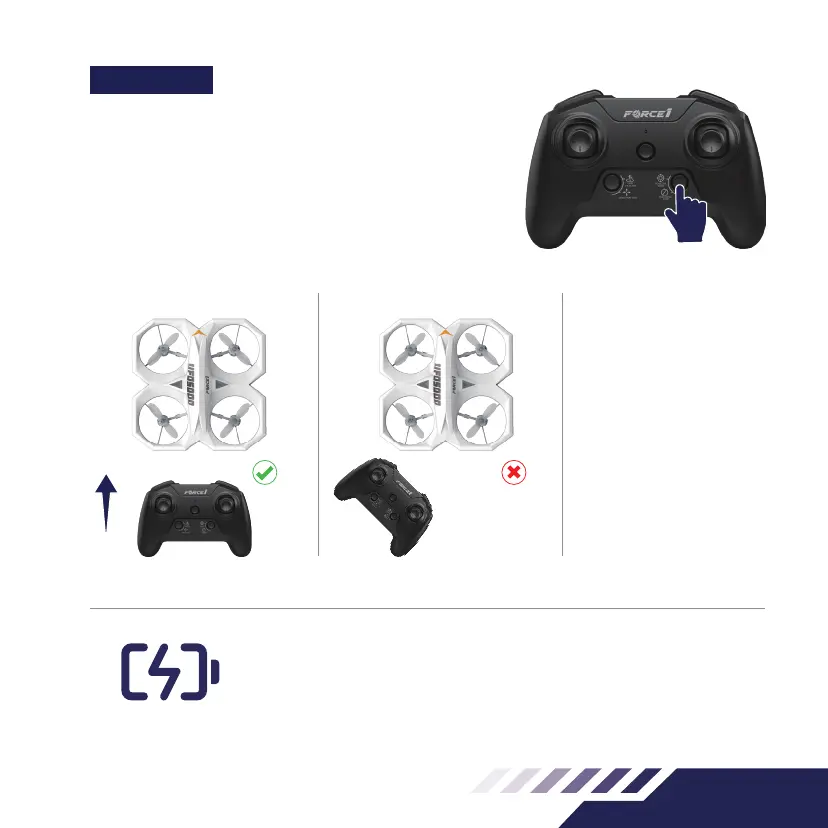
Note: do not change the
orientation of remote control
after entering Headless
Mode. Otherwise, you will
lose the set orientation.
LOW BATTERY WARNING
Your drone’s LED lights will keep ashing red when the power is low. This means
you have 30 seconds to land your drone before you lose power
FUNCTIONS
HEADLESS MODE
Headless Mode allows you to y your drone without knowing its
orientation, because it will be xed in the direction you set it.
Press the Headless Mode button to enter Headless Mode before
take o (Fig.15). The remote control will beep continuously and
the drone lights will begin to ash to indicate mode selection.
You must now set the Headless Mode drone direction.
Fig.15



 To Next Page