Using the touchscreen, press the
settings icon, then press:
Menu Item
Voice Settings
Voice Control
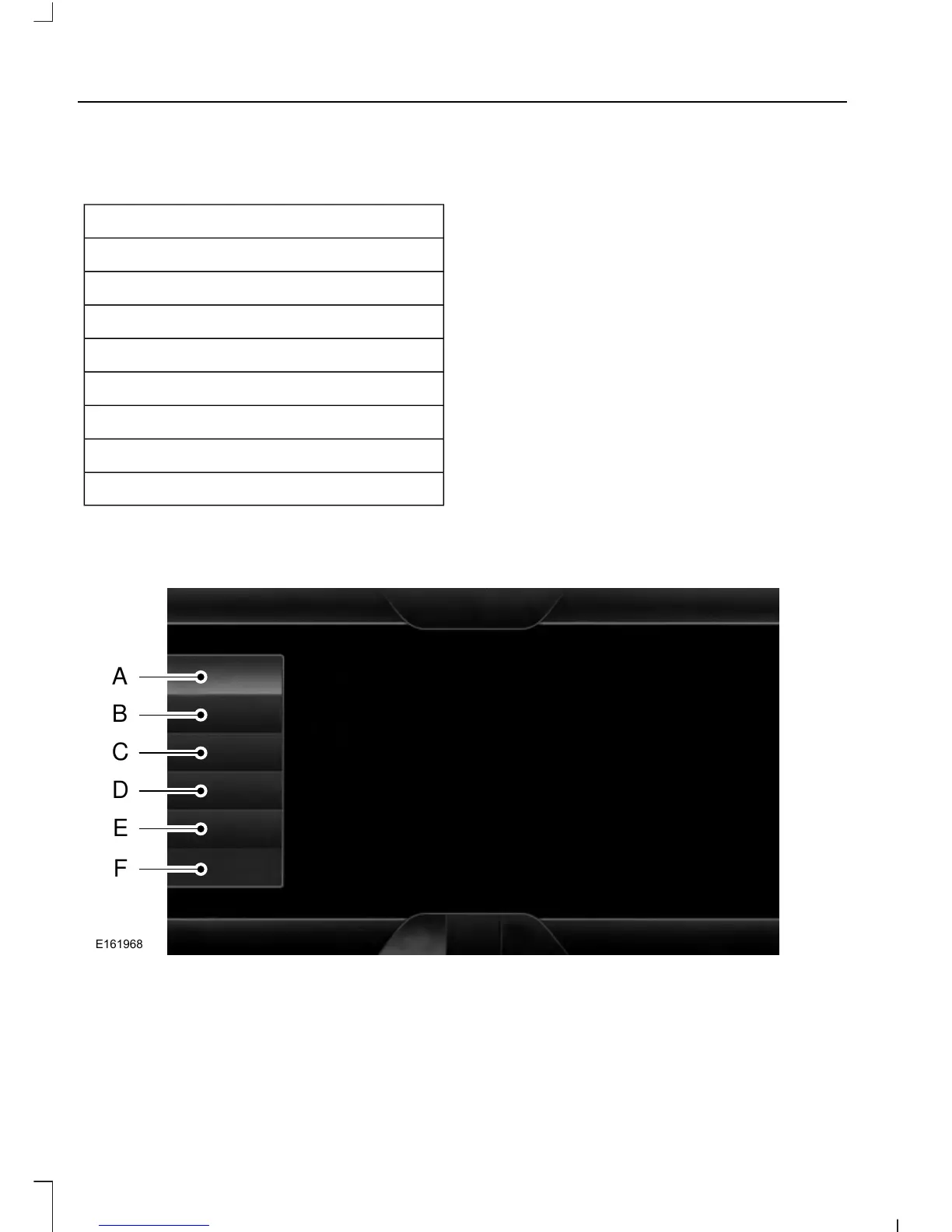
Select from the following:
Interaction Mode
Confirmation Prompts
Media Candidate Lists
Phone Candidate Lists
Voice Control Volume
Using Voice Commands with the
Touchscreen Options
The voice command system has a dual
mode feature which allows you to switch
between using voice commands and
making on-screen selections. This is
available only when the system displays a
list of candidates generated during a voice
command session. For example, this can
be used when entering a street address or
trying to call a contact from a cell phone
paired to the system.
SETTINGS
416
Explorer (TUB), enUSA, First Printing
MyFord Touch™ (If Equipped)













 To Next Page