3
FOREO FOR YOU MOBILE APP
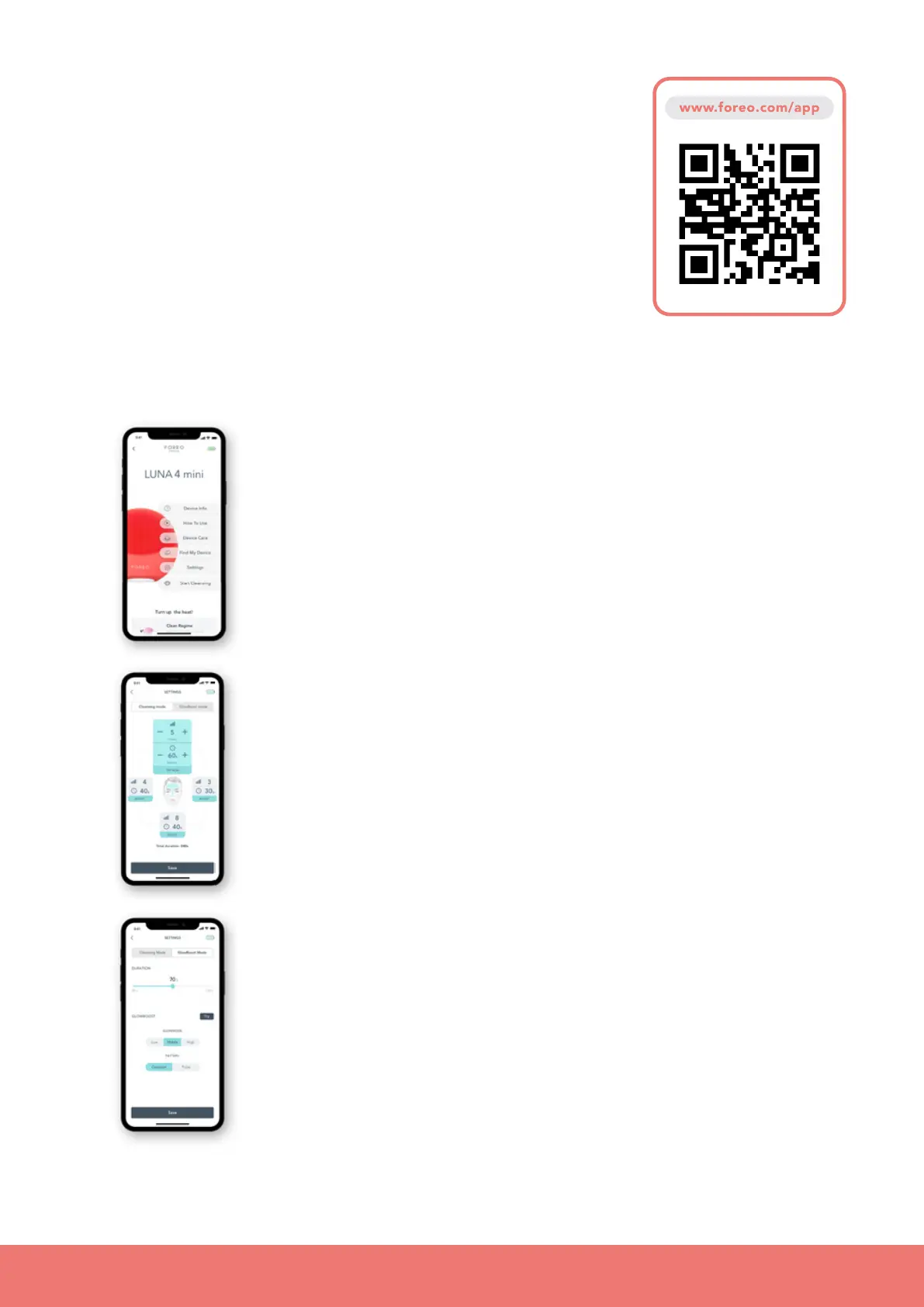
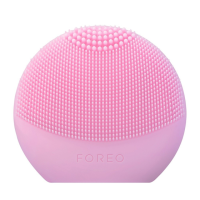
FOREO For You mobile app offers instructions on how to use and
take care of your LUNA
™
4 mini. Use it to control settings, and find
your device in case you’ve misplaced it.
SETTINGS
Set your preferences for Cleansing and Glow Boost modes, and
device will remember them for offline use;
• CLEANSING MODE: Adjust the cleansing duration up to 240s and
up to 12 intensities of T-Sonic
™
pulsations, separately for each
quadrant of your face - both cheeks, forehead, and jaw.
• GLOW BOOST MODE: Choose between Low, Medium, or High
intensity, and Constant or Pulse massage pattern.
Start Cleansing features the Mirror mode, which allows you to use
your mobile device as a mirror while performing the cleansing.
UNLOCK YOUR DEVICE
Before first use, download the FOREO For You mobile app to unlock and
register your device by following these simple steps;
1. Download the FOREO For You app on your mobile phone
2. Log in to your account or sign up for a new one
3. Add device (on the top of your screen)
4. Choose device series
5. Press and hold the Power button to connect your device to the mobile app
6. Fill in the purchase information
And your device is ready to use!


 To Next Page