12
7. Equipment Configuration
Start LaserPro laser tag equipment configuration by router (routing device) connection
to the server PC.
The Company supplies the device fully adjusted for the operation.
If router configurations has failed by any reasons (for example, Reset button
unintentional press), the router should be configured all by yourself (see item 7.2 of the
manual, p.13).
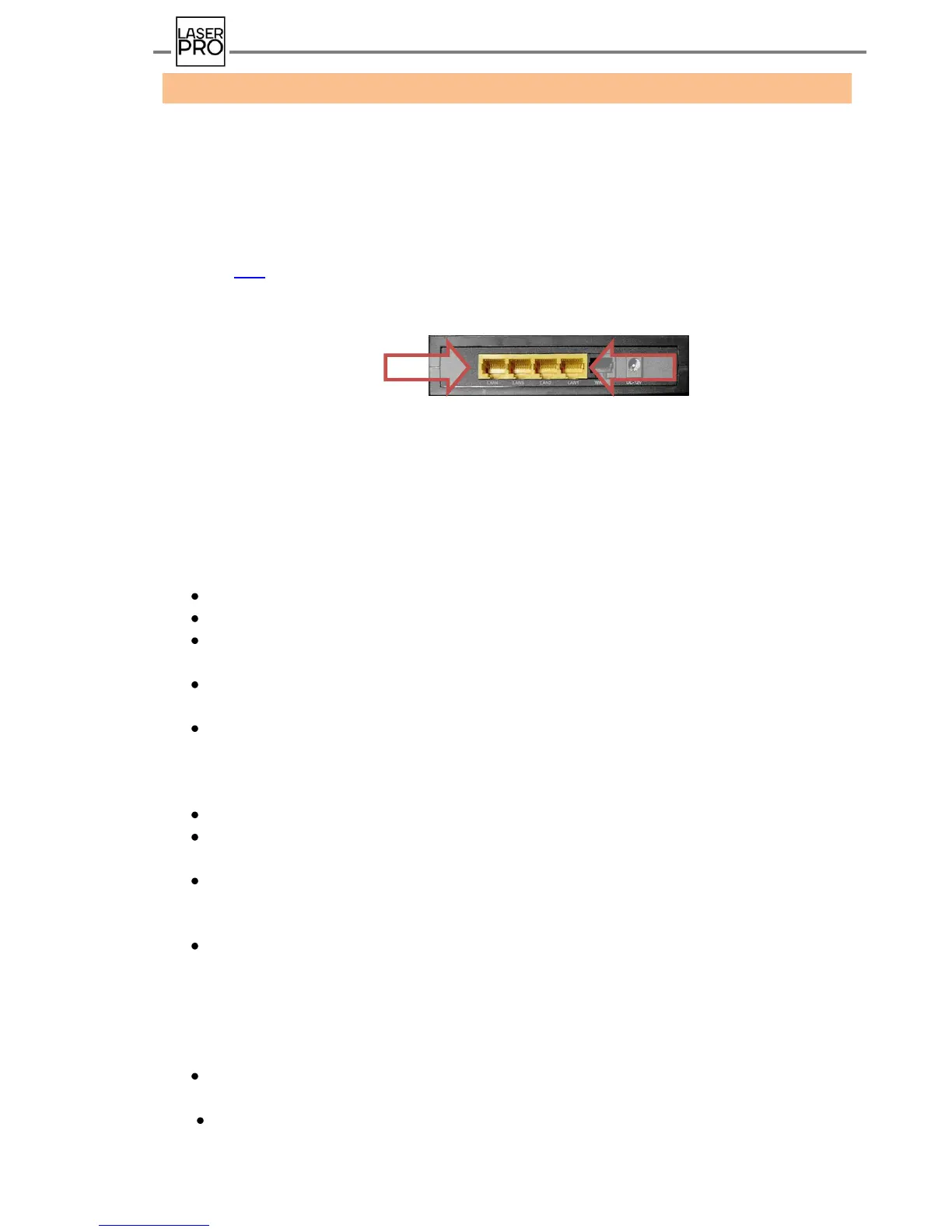
Receiving a game kit a router shall be connected through any of 4- LAN-connectors to the
PC's network interface card by means of UTP cable supplied as a part of supply package.
Then LAN configuration shall be performed.
7.1. LAN configuration
In Windows ХР:
Press "Start" – "Control panel";
Open section "Network connections";
Press mouse left button on the icon "Local Area Connection" and click
o "Properties";
In the opened window "Local Area Connection – properties" select "Internet protocol
o (TCP/IР)", click "Properties";
In the window "Properties: Internet protocol (TCP/IР)" set parameters:
o IP-address: 192.168.0.101;
o Subnet Mask should be identified independently: 255.255.255.0 ;
o Default Gateway: 192.168.0.1
The rest of the fields leave empty.
After all the parameters are entered, press "ОK" in this window and "Close" in the
window "Local Area Connection – Properties" to save the settings.
It is preferable to restart the PC.
In Windows 7:
In the window "Properties: Internet protocol version 4 (TCP/IPv4)" set the following
parameters:
IP-address: 192.168.0.101
Subnet Mask shall be identified itself: 255.255.255.0
Default Gateway: 192.168.0.1
The rest of the fields leave empty.
After all the parameters are entered, press "OK" in Protocol Properties and "Close" in
Connection properties to save the settings.
It is preferable to restart the computer.



 To Next Page